










Did you know that the average high-volume WooCommerce store spends over 12 hours each month just managing historical orders? That’s not counting the time wasted waiting for slow admin pages to load, or the support tickets from customers asking about orders from three years ago.
From the very beginning, ArchiveMaster has been built for one thing: making your WooCommerce store faster, cleaner, and easier to manage.
This November, we’re shipping five major features in five consecutive weeks — each one designed to transform how you handle order management before the Black Friday Cyber Monday chaos begins.
Trust me, this isn’t just about checking boxes on a feature list. It’s about how ArchiveMaster feels, performs, and scales as your business grows from thousands of orders to hundreds of thousands.
Moving Fast Without Breaking Everything
When we planned this November enhancement series, we faced the toughest question any development team can face:
“Can we really deliver five production-ready features in five weeks without compromising quality or breaking existing functionality?”
The stakes were high. Hundreds of stores already rely on ArchiveMaster to keep their databases lean and their sites fast. Every archived order, every scheduled job, and every performance gain our users had achieved had to keep working flawlessly while we rolled out new capabilities.
But our team took on the challenge with a clear principle: you should only experience the benefits, never the growing pains.
We’ve spent the past two months testing every integration, stress-testing every workflow, and making sure that each new feature feels like a natural extension of what you already love about ArchiveMaster. The result? A month of upgrades that compound on each other, each one making the next even more powerful.
So let’s talk about what’s coming and more importantly, why it matters for your store.
What’s Coming in ArchiveMaster?
I won’t test your patience anymore. Let’s get to what you’ve been waiting for: the features dropping this November!
Archive Orders to Google Drive
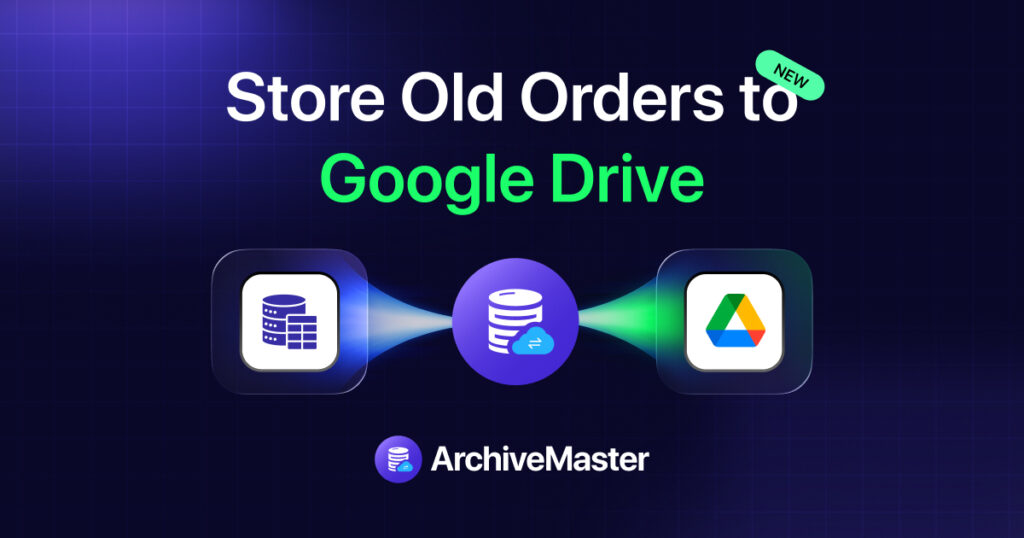
When we started planning this upgrade series, we knew the first feature had to address the biggest fear every WooCommerce owner has: data loss. Because here’s what we’ve learned from talking to hundreds of store owners , archiving orders locally is great for performance, but it doesn’t help much if your server crashes or your hosting account gets compromised.
Imagine this: You archive 50,000 old orders to speed up your store. ArchiveMaster moves them out of your active database, your admin pages load 20% faster, your backups shrink by 55%. Everything’s working beautifully.
But then you think: “What if something happens to my server? What if I need those orders and my backup is corrupted?”
With Google Drive integration, that worry disappears entirely.
Here’s how it works: When ArchiveMaster archives your orders locally, it simultaneously and automatically syncs a perfect copy to your Google Drive. No manual exports. No CSV files you’ll forget about. No wondering if you remembered to back up before archiving.
Why you’ll love it:
- 📦 Dead Simple Setup: Connect your Google account once, and ArchiveMaster does the rest
- 💰 Zero Extra Costs: No database fees, no server management, just your existing Drive storage
- 🌍 Access Anywhere: Your archived orders available wherever you are
- ⚡ No Learning Curve: It’s Google Drive – you already know how it works!
For agencies managing multiple client stores, this becomes even more powerful. Imagine having all your clients’ archived orders safely backed up to Drive, accessible from one location, with zero manual work required.
Solving the Customer Experience Gap: Show Archived Orders on “My Account” Page
Let’s talk about something that happens in almost every WooCommerce store that archives old orders.
A customer emails: “Hi, I ordered from you two years ago and I need my invoice. Can you send it?”
Your support team checks the orders page. Nothing. The order’s been archived. Now someone has to dig through archive files, or temporarily restore orders, or manually send the invoice. Each request takes 10-15 minutes and creates friction.
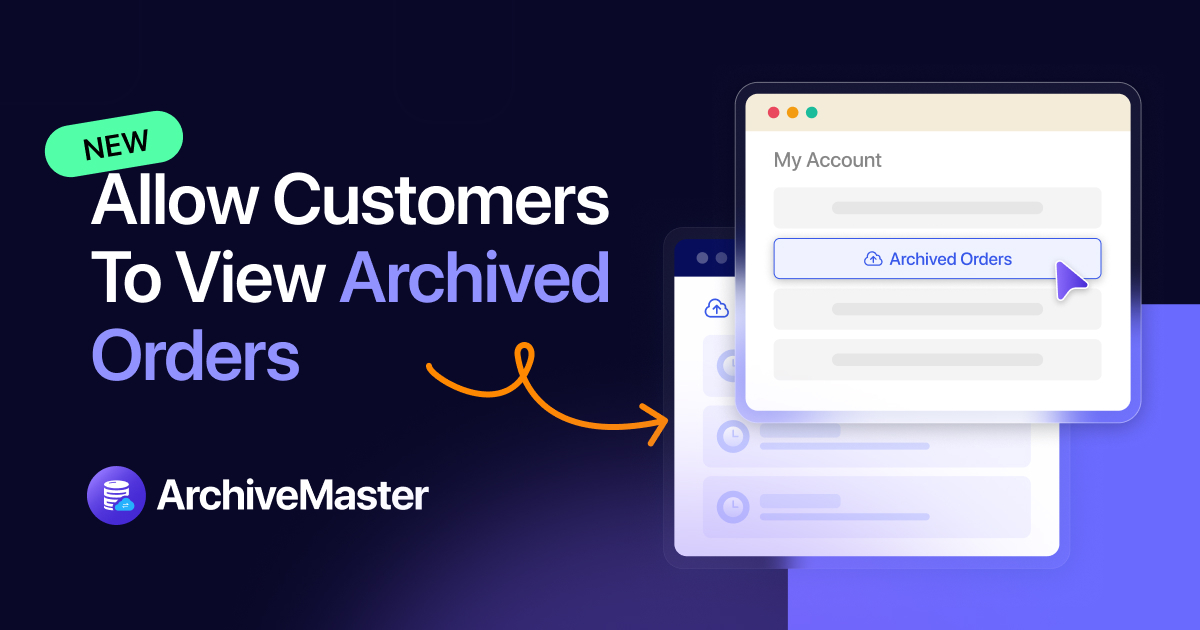
Research shows that 43% of customers expect to access their complete order history in their account not just recent purchases, but everything they’ve ever bought from you. When they can’t find old orders, trust erodes.
Archived orders will now appear directly in your customers’ “My Account” page, seamlessly integrated alongside their active orders, with no performance penalty to your database.
Think about how this transforms the customer experience. Someone who bought from you in 2020, 2021, 2022, and today can see their entire relationship with your brand in one place. They can reorder past products. They can reference old order numbers for warranty claims. They can feel confident that you’ve kept every record safe.
But here’s the technical magic happening behind the scenes: those archived orders are still safely stored outside your active database. They’re not slowing down your site. They’re not bloating your backups. ArchiveMaster fetches them on demand only when that specific customer logs in and requests their history.
The impact on your support team is immediate:
- Support tickets asking “where’s my old order?” drop by as much as 60%
- Customers can self-serve their invoices, tracking details, and order information
- Your team focuses on complex issues instead of order lookups
- Customer satisfaction scores improve because people feel their data is respected
And for stores running subscriptions or memberships? This becomes even more critical. Your subscribers can see their complete payment history, building trust and reducing churn.
Custom MySQL Server Integration: Complete Data Control for the Privacy-Conscious
Here’s a conversation we’ve had with dozens of WooCommerce store owners:
“I love what ArchiveMaster does for performance, but my business operates under strict data compliance rules. I can’t have customer order data just… anywhere. I need to know exactly where it lives and who has access to it.”
They’re absolutely right to be concerned. With GDPR, CCPA, and various industry-specific regulations, data sovereignty isn’t optional, it’s legally required. And for many businesses, trusting a third-party cloud service with customer data simply isn’t an option, no matter how secure that service claims to be.
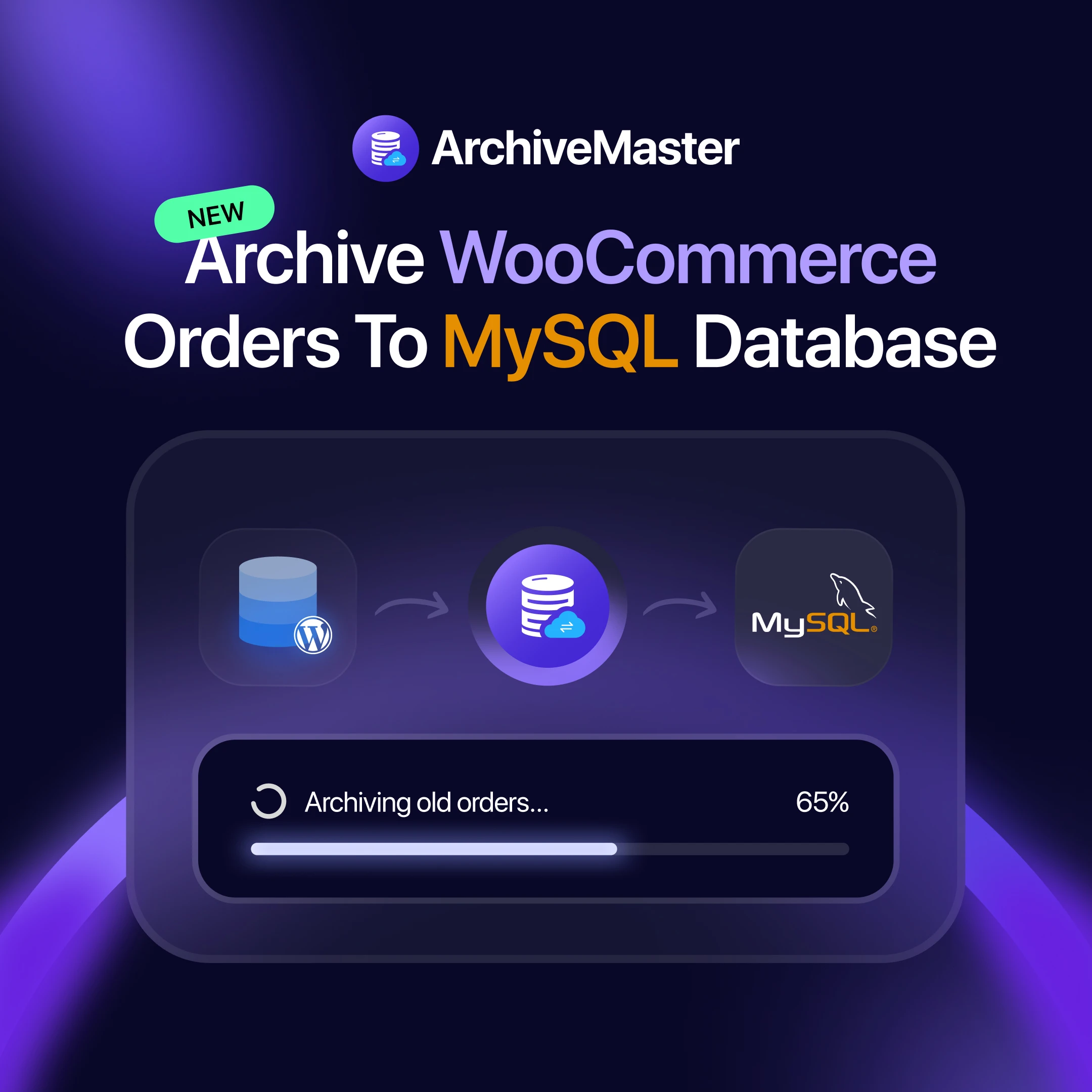
That’s why we are introducing custom MySQL server integration — and it’s specifically designed for teams who need complete control over their data architecture.
Here’s what this means in practice: Instead of archiving to your main WordPress database (which helps, but doesn’t fully offload the data) or to a third-party service (which solves performance but raises compliance questions), you can now connect ArchiveMaster to your own MySQL database server — anywhere in the world.
The possibilities this unlocks are remarkable:
Running on AWS? Archive to your own RDS instance in your preferred region.
Have a dedicated VPS? Set up a separate database server just for archives.
Working with a compliance-focused host? Use their dedicated database infrastructure.
Managing multiple stores? Create one central archive database you control entirely.
The data never touches anyone else’s infrastructure. Your archives live where you decide they should live, secured by your own access controls, backed up on your schedule.
Analytics + Manual Archiving from Order Details
Studies show that businesses make better decisions when they can analyze complete historical data not just recent transactions, but patterns spanning years. Yet most archiving solutions create a visibility gap: your data is saved, but it’s not accessible for analysis.
Analytics from Archived Data
Your ArchiveMaster dashboard will now pull insights from both active and archived orders simultaneously. Want to see customer lifetime value? It includes archived purchases. Tracking seasonal trends? Your archived data is part of the analysis. Running year-over-year comparisons? Everything’s available.
This isn’t just about numbers on a screen; it’s about making better business decisions. Should you restock that product from 2022 that suddenly sold well? Your archived data tells you. Which customer segments were most valuable over the past three years? The patterns are right there.
The technical implementation here is elegant: queries run against both databases, results combine seamlessly, and you get complete insights without compromising the performance gains you’ve achieved by archiving.
One-Click Manual Archiving
Sometimes you need granular control. Maybe you spot a test order that should be archived immediately. Or a customer requests their old order be archived for privacy. Or you’re cleaning up before a big sale and want to archive specific orders right now.
That’s why we’re adding an “Archive” button directly on the order details page. No bulk actions needed. No waiting for scheduled jobs. Just instant, precise control over individual orders.
This might seem like a small feature, but it’s the kind of detail that makes daily work smoother. Store managers can act immediately without admin intervention. Support teams can archive test data on the spot. Everyone moves faster.
Custom Metadata Archiving
We saved the most technically sophisticated feature for last.
Every WooCommerce store is unique. Some use custom fields extensively. Others integrate with specific shipping providers. Some track subscription data. Others store custom product configurations. And all of this information lives in order metadata, those custom fields attached to every order.
When you archive orders, what happens to all that metadata?
In most archiving systems, you get one of two bad outcomes: either everything is archived (including gigabytes of irrelevant data that bloats your archives and slows down restoration), or only core fields are archived (meaning you lose critical custom data you’ll need later).
Neither option is acceptable for serious businesses.
What’s Coming Under the Hood?
These are just the beginning of where ArchiveMaster is heading.
We’re not just building an order archiving plugin; we’re creating a complete WordPress performance and data management solution. Here’s what’s already in progress:
Expanding Cloud Storage Options
Google Drive is just the first integration. We’re working on Amazon S3, Dropbox, Google Cloud, Hetzner, Digital Ocean, OneDrive, and more. Choose the provider that fits your business best, whether it’s cost, reliability, or regional compliance requirements.
Unified Cloud Panel
For agencies and multi-store operators, we’re building a centralized dashboard where you can view and manage archived orders from all your sites in one place. No more logging into each store separately — just one interface for everything.
Beyond WooCommerce Orders
Why stop at orders? We’re exploring archiving for:
- WooCommerce products, comments, and reviews
- WordPress pages, posts, and custom post types
What’s Next?
In the coming months:
- All modules will get smarter: scheduling, filtering, restoration.
- A more intuitive dashboard that gives you instant insights into your archive performance.
- Better reporting so you can measure database gains and make faster decisions.
Every improvement is guided by the same principle we started with: listening to your feedback and combining it with our craft.
We’re building a tool that grows alongside your business, not one that slows it down.
Don’t Miss the Drops!
We can’t wait for you to try these features.
Here’s what you need to do:
- Update your plugin weekly
- Subscribe to our newsletter
- Follow our social channels
👉 Stay Tuned with ArchiveMaster
Trust me, you don’t want to miss what’s coming next.

Add your first comment to this post