









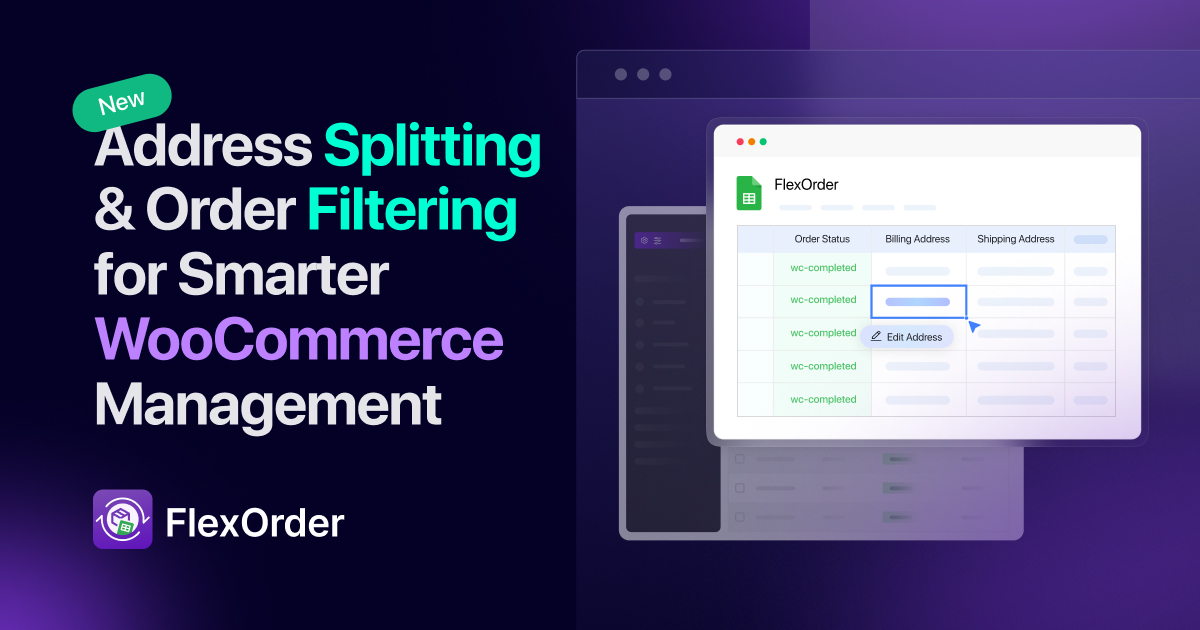
We’re excited to announce a brand-new FlexOrder release that makes managing your WooCommerce orders in Google Sheets even easier and more powerful.
FlexOrder has always been about saving time, reducing errors, and giving store owners full control of their orders from a familiar tool Google Sheets. With this update, we’re introducing two highly requested features:
- Address Splitting: Break down billing and shipping details into clear, separate columns.
- Filter Orders: Sync only the orders you need into your connected spreadsheet.
Let’s dive in.
FlexOrder Changelog
New Features
- Address Splitting: Split billing and shipping addresses into individual columns for better clarity. Learn how to use it.
- Order Filtering: Sync only the orders you need by status, days old, or a specific date range. Learn how to use it.
Improvements & Fixes
- Optimized performance for large order sync.
- Fixed minor sync inconsistencies in the Google Sheets sidebar script.
Address Splitting – Cleaner Data, Smarter Management
Previously, billing and shipping details were stored in a single column, making it harder to manage customer information. With Address Splitting, FlexOrder now breaks these details into separate fields such as:
- First name
- Last name
- Phone
- Street
- City
- Postcode
- Country
Why it matters:
- Easier reporting and invoicing
- Faster shipping label generation
- Clearer customer verification
- Better data handling for accountants and fulfillment teams
This means you can quickly filter, sort, or search for customers by any specific field. Need to find all customers from New York? Just filter by the City column. Want to segment by postcode for delivery routes? It’s now effortless.
How to enable it: [Read the full Address Splitting guide]
Order Filtering – Focus Only on What Matters
Until now, syncing orders meant bringing everything into Google Sheets. That worked fine for smaller stores, but for busy shops with hundreds of orders, things got cluttered fast.
The new Order Filtering option lets you decide which orders to sync based on:
- Order status
- Days old
- Specific date range
Why it matters:
- Keeps your Sheets clean and focused
- Helps you generate custom reports for sales, shipping, or finance
- Makes it easy to work only on pending or recent orders without distraction
This keeps your Google Sheets lean, makes performance faster, and helps your team stay focused. For example:
- Sync only Processing orders for your shipping team.
- Export only orders from the last 30 days for financial reporting.
- Pull Completed orders for your marketing team’s analysis.
It’s flexibility and efficiency, right where you need it.
How to enable it: [Read the full Order Filtering guide]
Upgrade to FlexOrder Today
With Address Splitting and Filter Orders, FlexOrder continues to make WooCommerce order management smarter, cleaner, and more efficient.
Whether you’re a store owner, accountant, or fulfillment manager, these features give you better control, clearer data, and a faster workflow.
Get Free Version | Try Live Demo | Get Ultimate Version
Update your plugin today and take advantage of the newest improvements to simplify your WooCommerce order management.
Share the Update
If you’re already using FlexOrder, we’d love to hear how these new features help your business. Join our community and share your feedback!
[Join Our Facebook Community] | [Follow Us on X] | [Subscribe on YouTube]
Add your first comment to this post