









Table of Contents
Category: Free & Pro
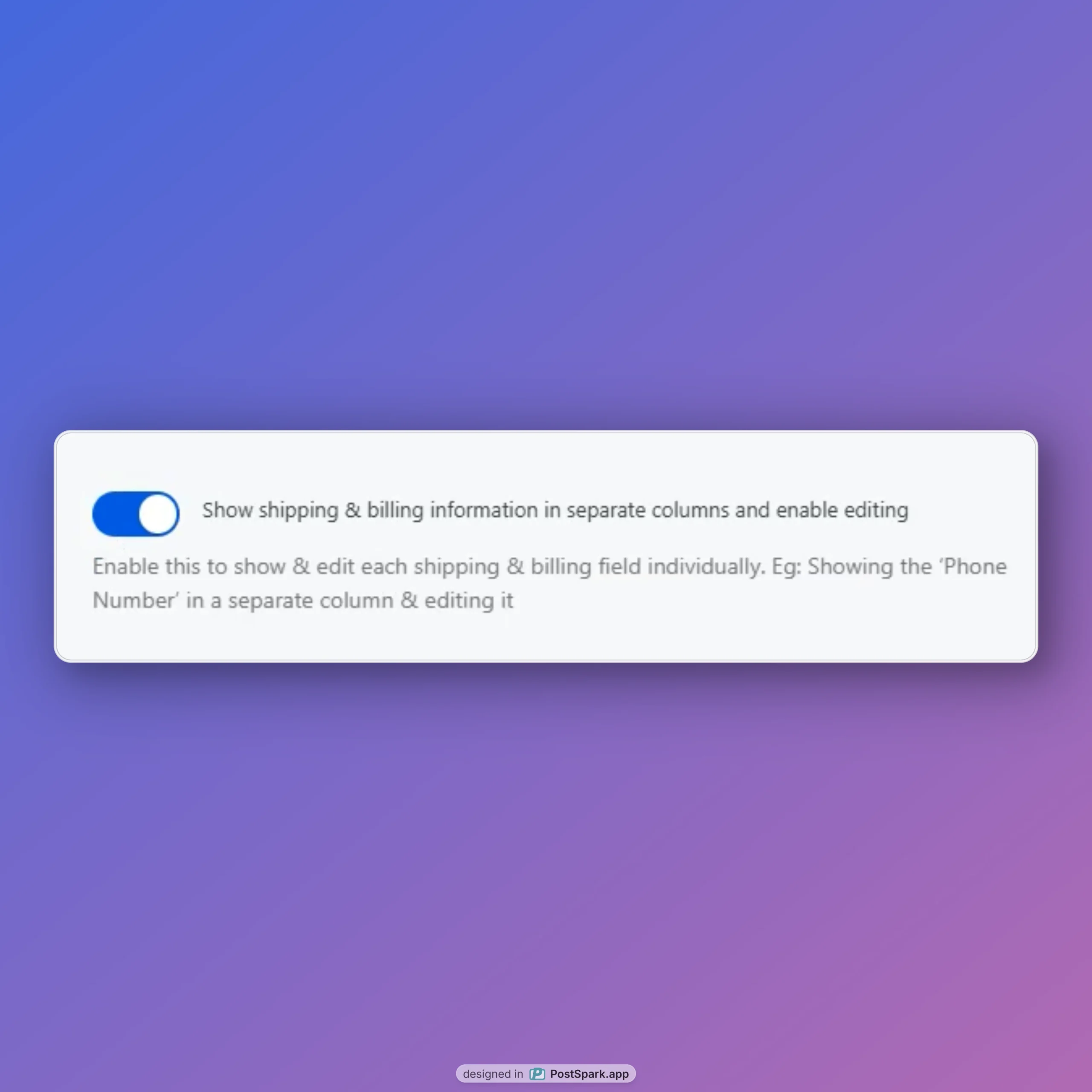
The billing and shipping fields used to be combined into a single field. Now, you can manage them separately for better control. Pro users get full flexibility while Free users will get limited flexibility.
How to enable it?
Go to FlexOrder Settings → Preferences and turn on the following setting:
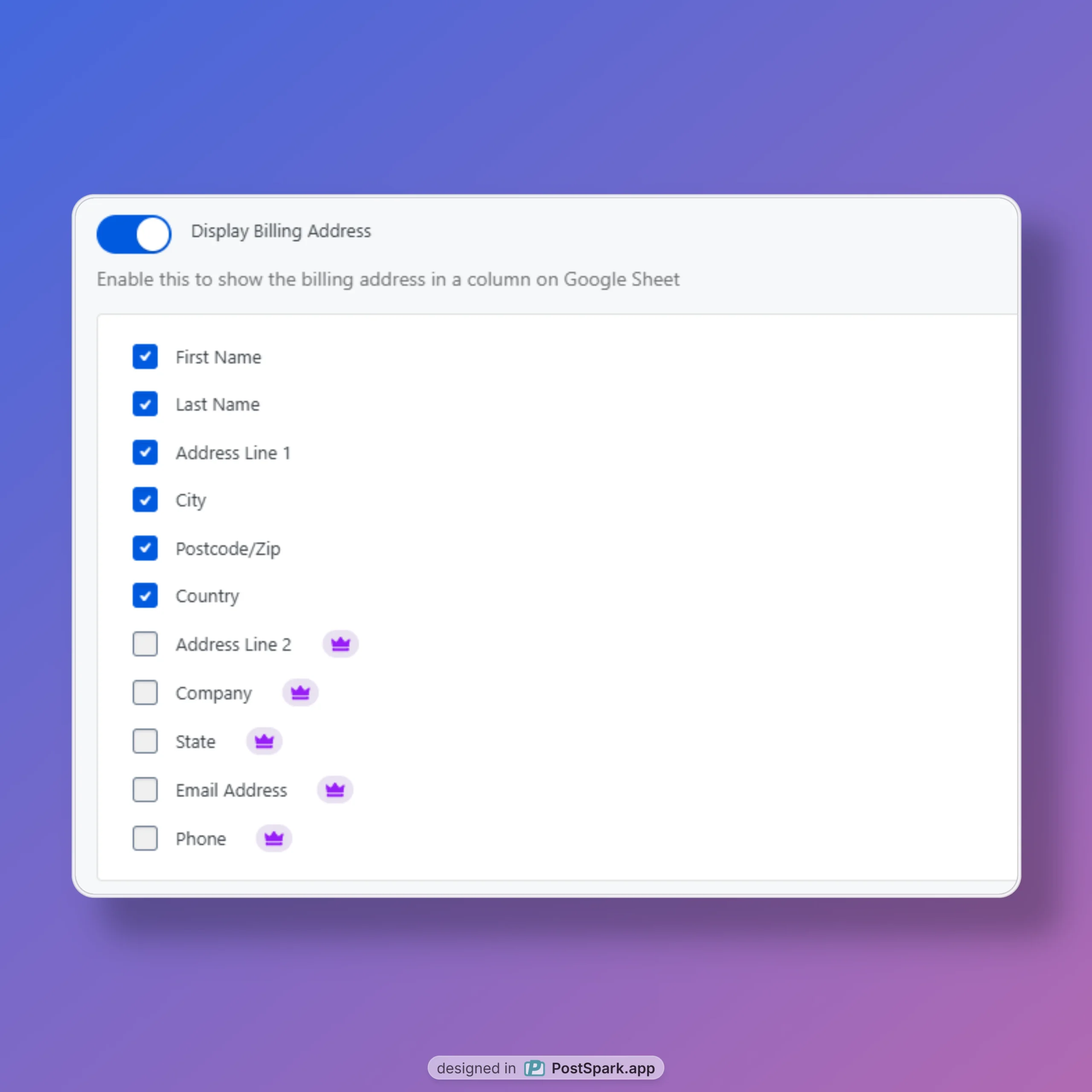
Free users can display First Name, Last Name, Address Line 1, Postcode/Zip, and Country. Pro users can display everything from the options.
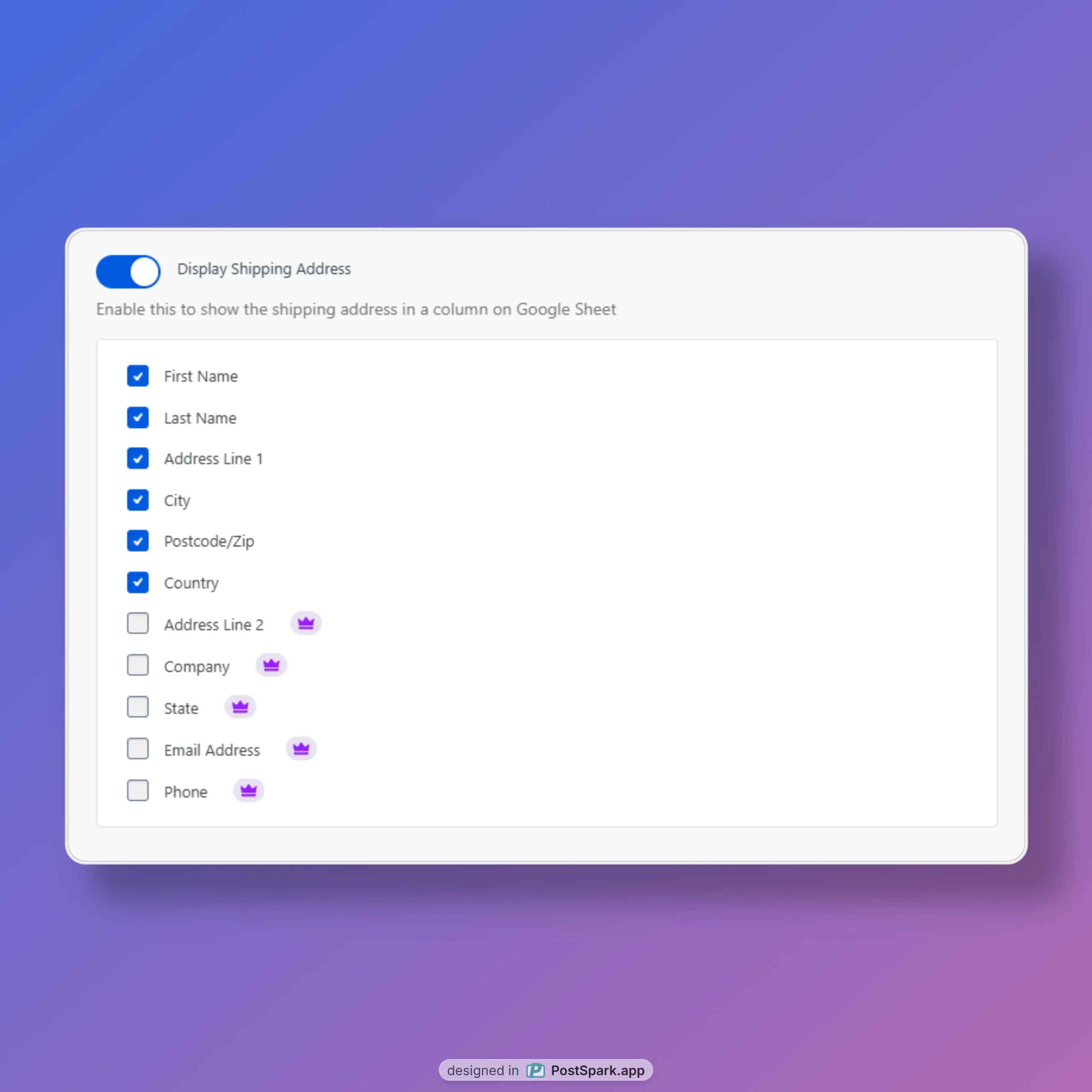
The same can be done for shipping address.
What to do in the connected Google Sheets? #
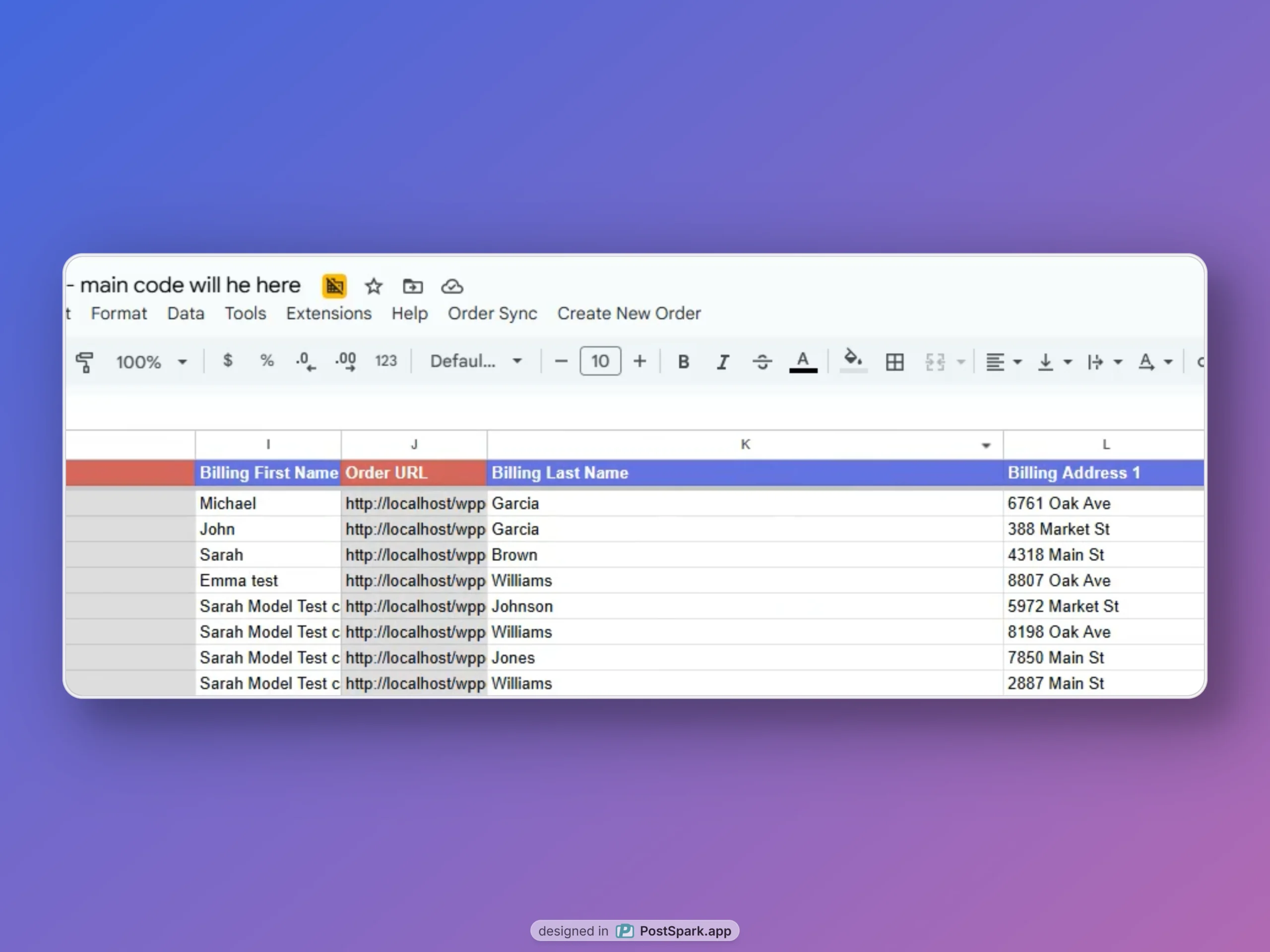
The column headings in red are uneditable. The column headings in blue are the ones you can now edit. Any changes made here will automatically sync with your WooCommerce database.


Add your first comment to this post