









WP Dark Mode’s AI Custom Preset feature allows you to create professional dark mode color schemes using simple text prompts, no design experience required.
Quick Steps: #
Access the Feature
- Go to your WordPress Admin Dashboard
- Navigate to WP Dark Mode → Settings
- Open the Customization module
- Click on Color Settings
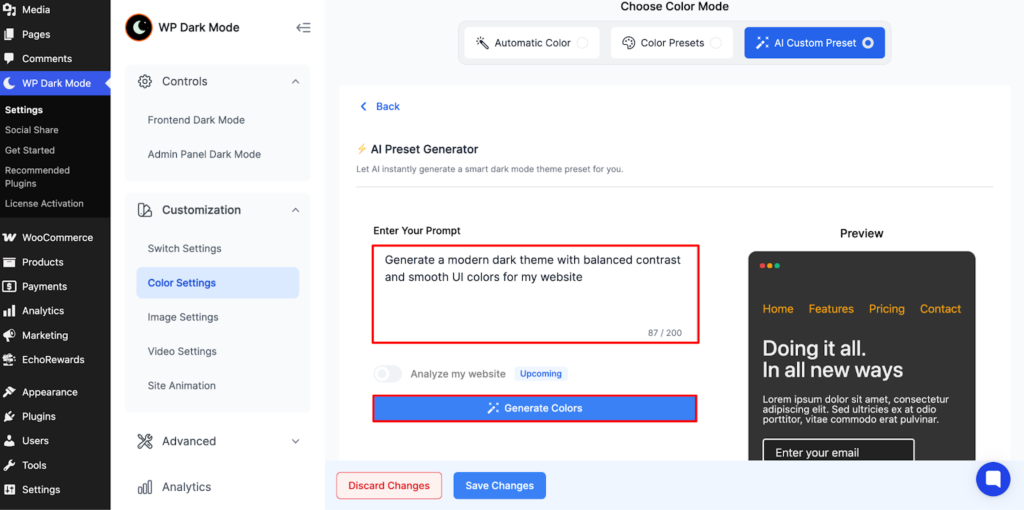
- Select AI Custom Preset

Generate Your Theme
- Click Generate My Theme
- Enter a prompt describing your desired style (or use the default)
- Click Generate Colors
- WP Dark Mode will create three unique color palettes
Apply Your Selection
- Preview each generated palette
- Choose your preferred option
- Enter a Preset Name
- Click Save Changes
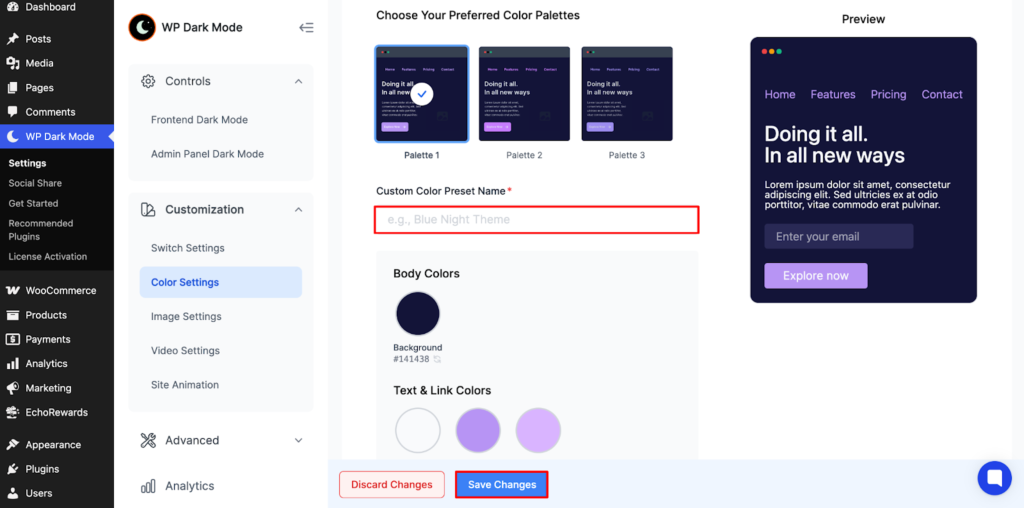
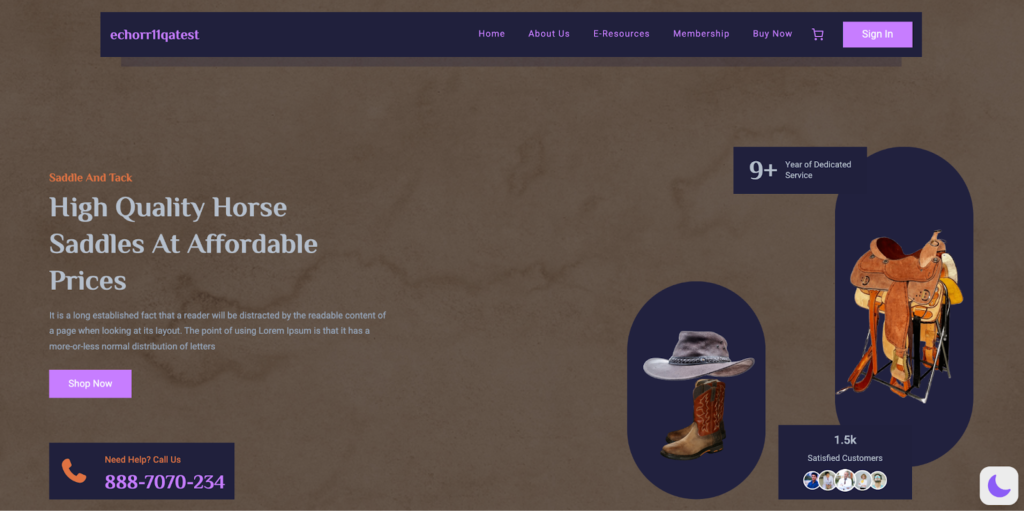
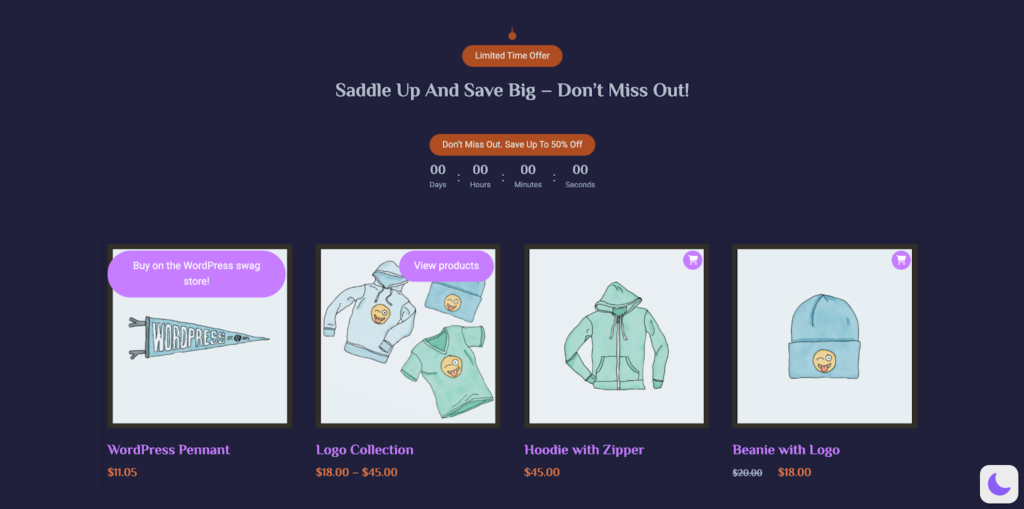
Your custom theme will immediately appear on your website’s frontend.
Frontend Look #
Purpose of the Update #
AI-Powered Simplicity: Describe your vision in plain language, and the AI generates balanced, professional color schemes instantly.
Full Customization: While the AI provides excellent starting points, you can manually adjust any color to match your exact brand requirements.
Unlimited Presets: Save as many custom themes as you need for different seasons, campaigns, or design variations, and switch between them effortlessly.
Usage Notes #
- Always preview your selected preset on the frontend to verify readability and visual harmony
- Create multiple presets for different purposes: seasonal updates, special promotions, or brand variations
- Fine-tune individual colors after generation to achieve pixel-perfect alignment with your brand identity
- All saved presets remain available for instant reactivation without losing configurations
The AI Custom Preset feature transforms dark mode customization from a time-consuming design challenge into a quick, intuitive process that delivers professional results.


Add your first comment to this post