









WP Dark Mode’s AI Social Share Buttons offer a smart way to boost content reach, replacing idle icons with AI that learns optimal sharing times and platforms. They adapt to light/dark mode, match your site’s style, and target the right visitors fast, sleek, and hassle-free.
Key Points
- Shows share prompts at the right time to help boost clicks.
- Fits both dark and light mode with no extra work.
- Light, fast, and safe to use.
- Easy setup: update, turn it on, and track results.
What Are WP Dark Mode AI Social Share Buttons?
The WP Dark Mode AI Social Share Buttons are a new feature in the WP Dark Mode plugin for WordPress. They help website owners make social sharing smarter and easier. Instead of showing the same buttons to every visitor, this feature adjusts when and where the buttons appear based on how people use the site.
It displays share options at the best time. For example, when someone finishes reading or pauses on a page. The system studies basic user actions like scrolling, reading time, or clicks to decide where the buttons should show up for better results.
WP Dark Mode already helps websites switch between light and dark themes. Now, with this new feature, it also helps more people find and share your content across social platforms.
Why Old Share Buttons Don’t Work Well
Most share buttons have stayed the same for years. They appear in fixed spots and look the same for everyone. That doesn’t match how people browse anymore.
Here’s what makes older share buttons less effective ⤵️
- They show up before visitors are ready to share.
- They look awkward in dark mode or on mobile screens.
- They can slow down your site with extra code.
- They don’t show any data about performance.
The WP Dark Mode AI Social Share Buttons fix these problems. They appear only when readers are ready, such as after finishing a post. This makes sharing feel natural and helps increase real engagement.
How the Feature Works
Each visitor behaves differently. Some scroll quickly, while others read carefully. The new share buttons adjust to these actions in real time.
Here’s what they do ⤵️
✅ Measure scroll depth and time on the page.
✅ When someone spends longer reading, the system assumes they might share.
✅ Buttons appear when engagement is highest.
✅ The buttons change automatically for light or dark backgrounds.
This process doesn’t collect personal data. It simply studies page activity to create a better sharing moment for each visitor.
Main Features Overview
| Feature | Purpose |
| Behavior-based timing | Shows buttons only when visitors are ready to share. |
| Adaptive style | Matches dark and light mode automatically. |
| Smart platform logic | Choose social platforms that fit your audience. |
| Built-in analytics | Tracks what posts and networks perform best. |
| Lightweight code | Keeps your site fast and stable. |
All of these tools come with the latest WP Dark Mode update. No extra installation or plugin setup is needed.
5 Ways WP Dark Mode’s AI Share Buttons Boost Engagement
5 Ways WP Dark Mode’s AI Share Buttons Boost Engagement. Also Possible to make Social Media Content. Adding WP Dark Mode AI Social Share Buttons can make a real difference in how visitors interact with your website.
- Better Sharing Results.
- Smoother Reading.
- Quick Setup.
- Consistent Look.
- Built-in Analytics.
See how many people share your content, which posts perform better, and which networks work best for your audience.
How to Turn It On
You can activate the feature in a few easy steps:
- Update the plugin to premium: Make sure WP Dark Mode is up to date and you have premium access in your WordPress dashboard.
- Open settings: Go to WP Dark Mode → Social Settings.
- Enable AI Share Buttons: Turn on the switch to activate the feature.
- Set placement: Choose where buttons appear, before or after content, or as a floating bar.
- Select platforms: Choose AI platforms such as ChatGPT, Grok, Gemini, or Claude.
- Save your settings: Once saved, the buttons start working right away.
You can adjust placement or platforms anytime based on your analytics.
Who Can Benefit Most
This feature fits different website types easily ⤵️
- Bloggers.
- Online stores.
- Media and tech sites.
- Business websites.
The same principle applies everywhere: better timing leads to more organic sharing.
Example of Real Results
A food blogger added the WP Dark Mode AI Social Share Buttons to his recipe site. His old buttons were fixed at the top of posts and were rarely clicked. After turning on the new feature, the buttons now show near the end of each recipe. His readers started sharing her posts 10% more often.
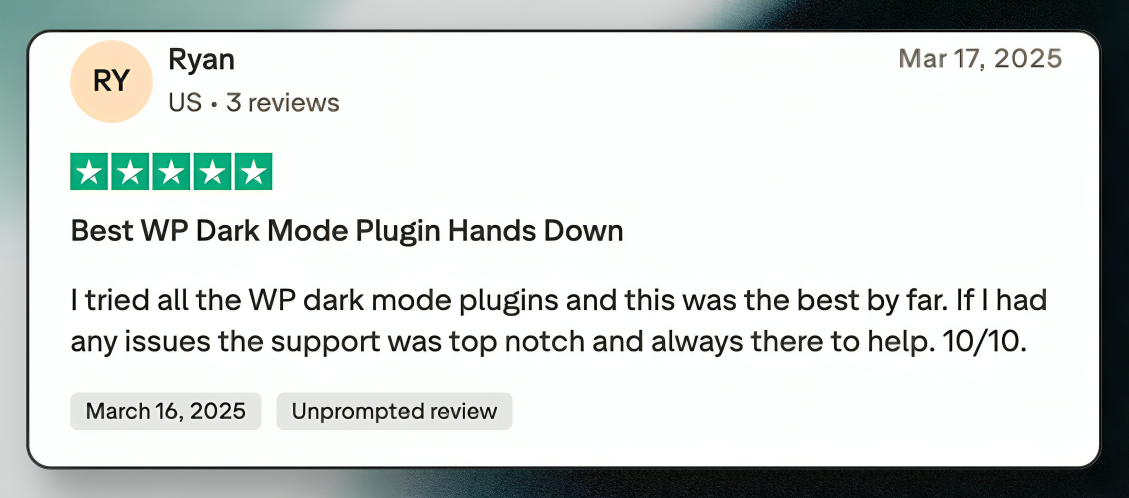
That small change helped her grow traffic without extra effort or marketing costs.
Conclusion
The WP Dark Mode AI Social Share Buttons make social sharing easier and more effective. They appear when users are most likely to share, creating a natural flow that increases visibility without adding clutter.
For WordPress users who want more engagement and a cleaner site, this feature is a simple and smart upgrade. Just turn it on, set your preferences, and let it handle the rest.
Your readers get a smooth reading experience, and your content gets the attention it deserves.
FAQ: WP Dark Mode AI Social Share Buttons
- What are WP Dark Mode AI Social Share Buttons?
They are smart share buttons that show up based on visitor activity. They help people share your content more naturally by exploring it on AI Chat Models. - Do I need coding skills to use this feature?
No. You can turn it on from your WordPress dashboard with one click. - Will it slow down my website?
No. The feature is lightweight and optimized to keep your site running smoothly. - Can I choose which AI LLM to include?
Yes. You can select platforms such as ChatGpt, Grok, Gemini, Claude, or others. - Is it safe for user privacy?
Yes. The feature does not collect personal data. It only looks at on-page behavior to decide when to show buttons. - Does it work with any WordPress theme?
Yes. The design adapts automatically to both light and dark themes. - How can I track sharing activity?
The plugin includes built-in analytics that show how often your content is shared and which networks perform best.
Add your first comment to this post