00DAYS
00HRS
00MINS
00SEC

Save up to $330

Beat the Heat with Coolest Deals

Grab the Deal

Ayeubur Rahman

Posts by Ayeubur Rahman

New Dark Mode Themes Are Here. Tailwind Leads SEO

New Dark Mode Themes Are Here. Tailwind Leads SEO

If you recently saw the update notification for the WP Dark Mode Tailwind Theme, you are probably asking one question: Can a color scheme really be "good for SEO"? The short answer is yes. Unlike standard dark themes that use pitch-black backgrounds, this new preset uses the professional slate-gray palette famous in the tech world. This seemingly small change fixes mobile scrolling glitches (known as "black smear") and significantly reduces eye strain. While the new Midnight Bloom option offers pure...

Read More

Meet Sweet Dark: The Update That Gives Your Site a Fresh Look

WP Dark Mode Sweet Dark Theme

Step into a world of sleek design with WP Dark Mode’s new Sweet Dark Theme. This modern default replaces the old Automatic Color mode and brings crisp contrast, a polished look, and easy readability. Whether you run a personal blog or a business site, Sweet Dark makes dark mode not just useful but truly eye-catching. Why does this matter? It’s a clear boost to your visitors’ experience. In this post, we’ll show what makes Sweet Dark stand out, how it...

Read More

Master Dark Mode: How to Use Any Custom Element as a Toggle on Your WordPress Site

Plugin that supports custom element toggles dark mode

Want to give your users more control over dark mode on your site? A custom element toggle is the perfect way to do it. With WP Dark Mode, you can turn almost any element a button, icon, menu item, or link into a switch for light and dark mode. Why WP Dark Mode Custom Element Toggles Matter ✅ More Control for You You’re not limited to the default toggle. You can place your switch anywhere — in the header, footer,...

Read More

AI-Powered Social Sharing in One Plugin — WP Dark Mode

AI-Powered Social Sharing in One Plugin — WP Dark Mode

WP Dark Mode’s AI Social Share Buttons offer a smart way to boost content reach, replacing idle icons with AI that learns optimal sharing times and platforms. They adapt to light/dark mode, match your site’s style, and target the right visitors fast, sleek, and hassle-free. Key Points Shows share prompts at the right time to help boost clicks. Fits both dark and light mode with no extra work. Light, fast, and safe to use. Easy setup: update, turn it on,...

Read More

Why Dark Mode for WordPress Login, Register & Reset Pages is a Game Changer

WP Dark Mode for WordPress Login, Register & Reset Pages

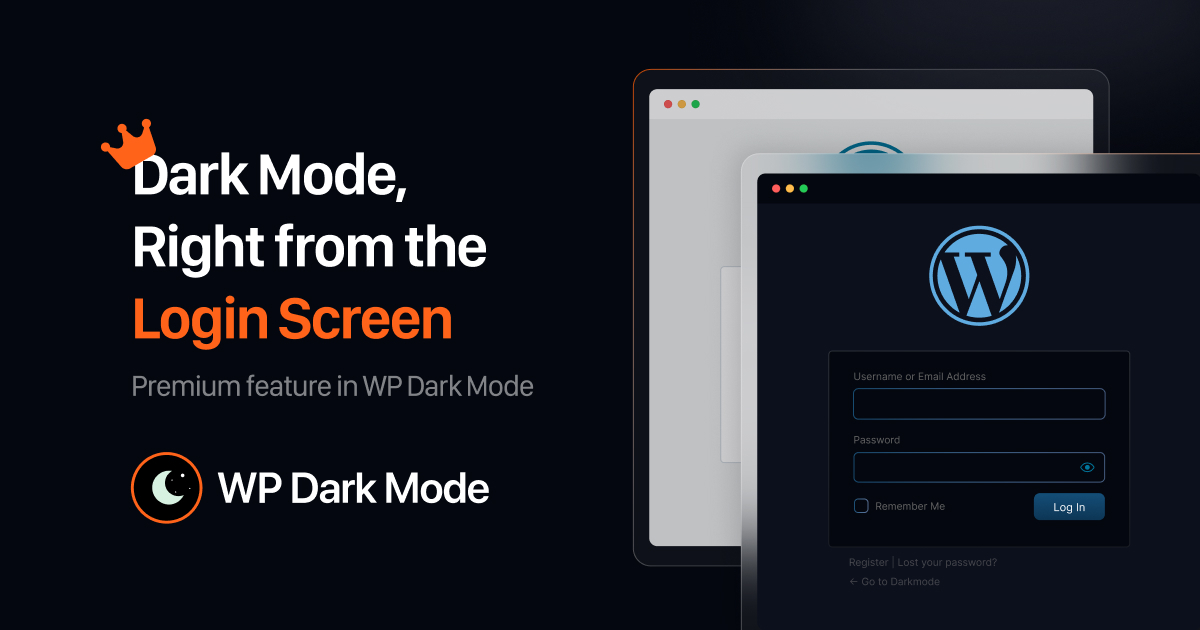
Hey there, Tired of squinting at that bright white screen when logging into your WordPress site at night? Well, good news. Dark mode for WordPress login, Register & Reset pages is here and ready to help. Actually, it’s a game-changer. This neat trick switches your login, sign-up, and password reset pages to a cool, dark style that’s easy on the eyes no more glare when you’re burning the midnight oil. And it’s not just about looking good. It makes your...

Read More

HUGE NEWS: Custom CSS Feature is Now COMPLETELY FREE on WP Dark Mode

Custom CSS Feature is Now COMPLETELY FREE on WP Dark Mode

Custom CSS Feature is Now COMPLETELY FREE on WP Dark Mode. You can change colors, spacing, and hover effects. Go to WPDM → Advanced → Custom CSS, add a few lines of CSS, hit save, and see the changes. Custom CSS Support in WP Dark Mode Free helps you do that. You do not need Pro. Your dark mode will look great. Try it and see how easy it is. Here are some Key Takeaways for Custom CSS Support in...

Read More

WP Dark Mode Introduces Sky Switch, A Beautiful, Natural Enhancement for your Website.

WP Dark Mode Sky Switch

For website owners who love beauty, simplicity, and a touch of nature, WP Dark Mode has released something truly special. Are you bored with standard dark mode toggles that don't match your site's design? Check out the WP Dark Mode Sky Switch, a premium, sky-inspired toggle that adds a peaceful, nature-like charm to your website. This isn't just a regular switch. It's a relaxing visual touch that suits nature blogs, travel sites, and eco-friendly brands perfectly. Picture swapping your basic...

Read More

Set Up GA4 and GTM with FormyChat and Track Form Conversions

Ga4 & gtm integration

Ready to turn visitors into leads? To track form submissions, you need to use Google Analytics 4 (GA4) and Google Tag Manager (GTM). This guide will show you how to integrate a tool like FormyChat with GA4 using GTM to measure form performance and make data-driven decisions. By tracking this data, you can optimize your conversion rates and improve your website's performance. Based on the main intent to track form leads with GA4 and GTM, the key takeaways are: Conversion...

Read More

Filter WooCommerce Orders by Status and Date

Filter order

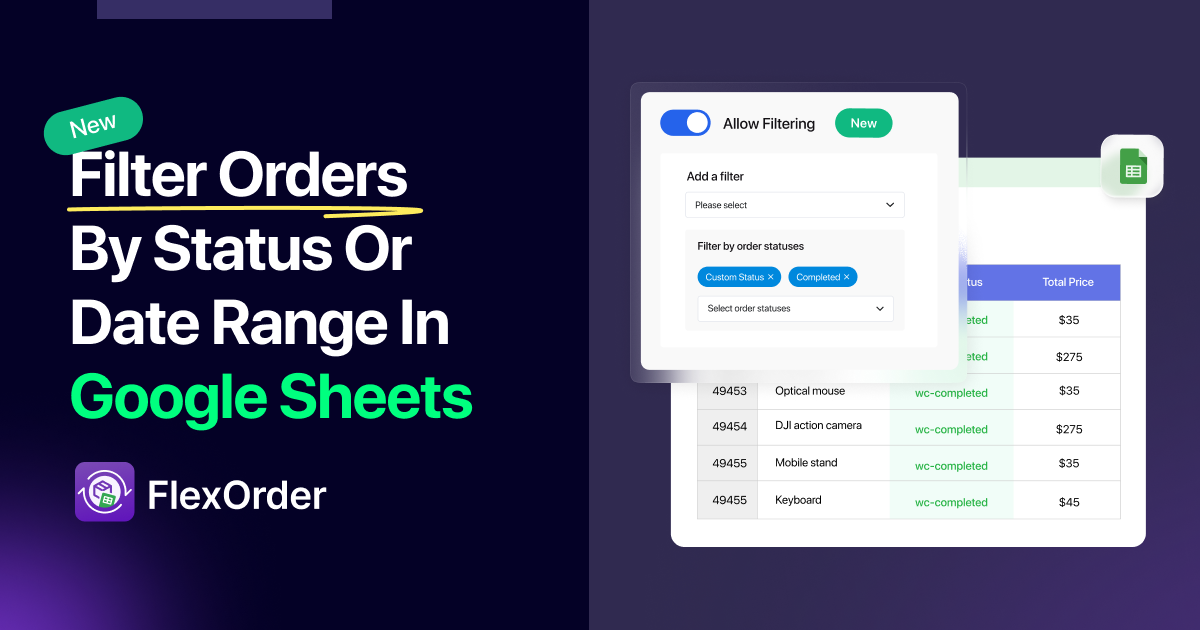
Managing a Google Sheet full of WooCommerce orders can be overwhelming. The new FlexOrder feature simplifies this by allowing you to filter orders by date and status, so you only sync the data you actually need. This streamlines your workflow, making it easier to analyze your sales and focus on what matters. Based on the article outline, here are the key takeaways: Problem Solved: Cluttered Google Sheets can be a thing of the past. By filtering your WooCommerce orders, you...

Read More

Subscribe to get product updates

Get exclusive updates on discounts, product updates, WordPress news & tips

WPPOOL Subscription form