









On this page
Last updated: November 15, 2026
If you are a WordPress developer and constantly testing your WordPress site for improvements, we have some good news for you.
WPPOOL has joined hands with InstaWP, a one-stop WordPress staging and testing platform to let you experience dark mode on your WordPress website instantly without any extra hassle of setup.
So, what this partnership brings you and how do you benefit from it? Let’s look into it.
WPPOOL x InstaWP: A Partnership to Elevate Your Development Efforts
The collaboration between WPPOOL and InstaWP allows you to have seamless access to experience dark mode functionality on your website with WP Dark Mode.
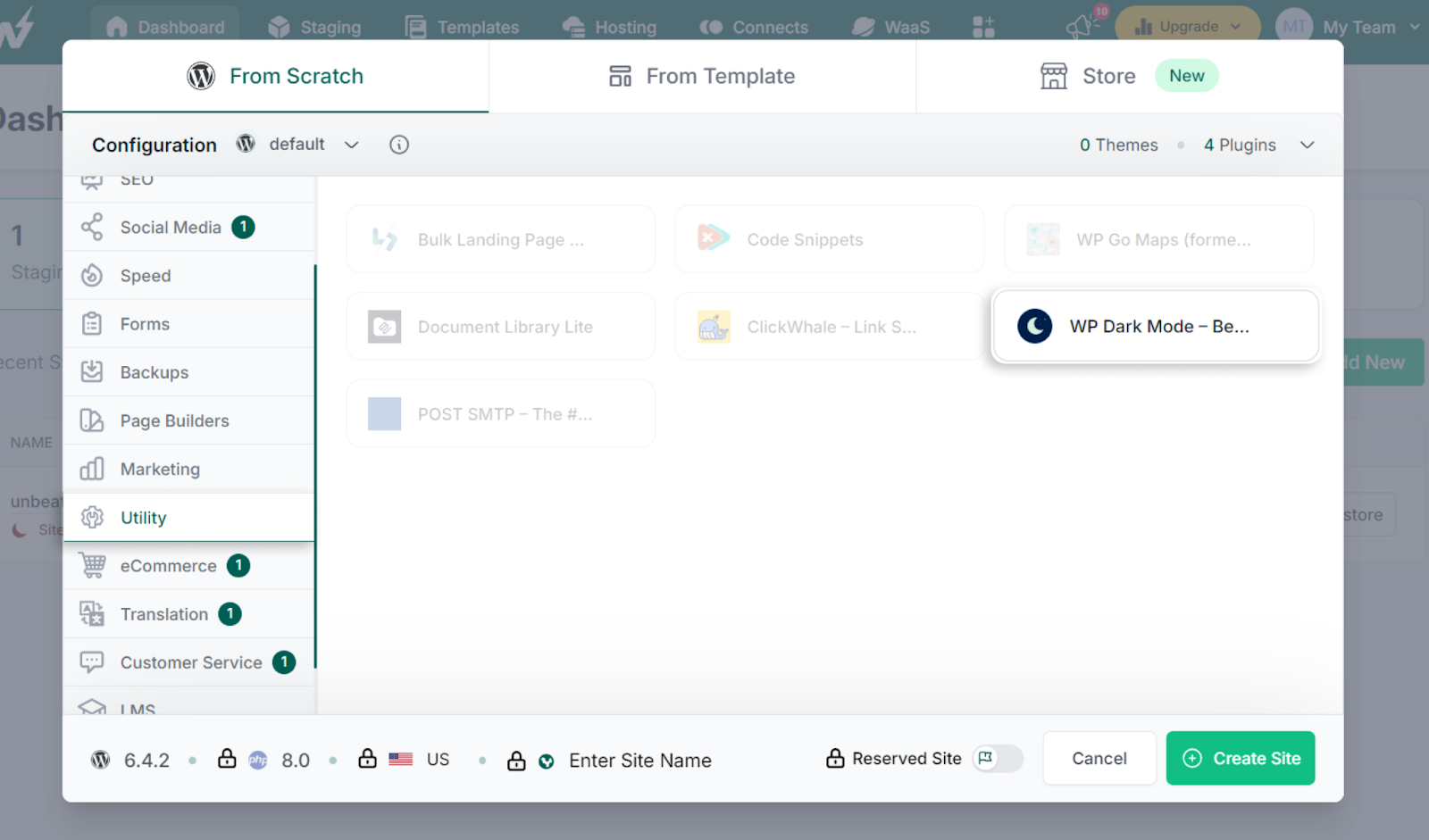
This means you can now:
- Effortlessly enable dark mode on your website or testing environment without the need for additional setup or hassle.
- Experience and test the dark mode look for your WordPress site within seconds with InstaWP and WP Dark mode which saves you lots of time.
- Test how dark mode looks for different themes and check compatibility.
- Experience and explore the plugin easily.
- Streamline the workflow for the people who like to work in a dark mode setup by providing them the website with dark mode pre-enabled.
Time to discover a smoother, more visually appealing browsing experience with WP Dark Mode, now made effortlessly accessible through our partnership with InstaWP. Let’s look into the map of how you can do it.
How to Install WP Dark Mode on Your InstaWP Site in 3 Easy Steps
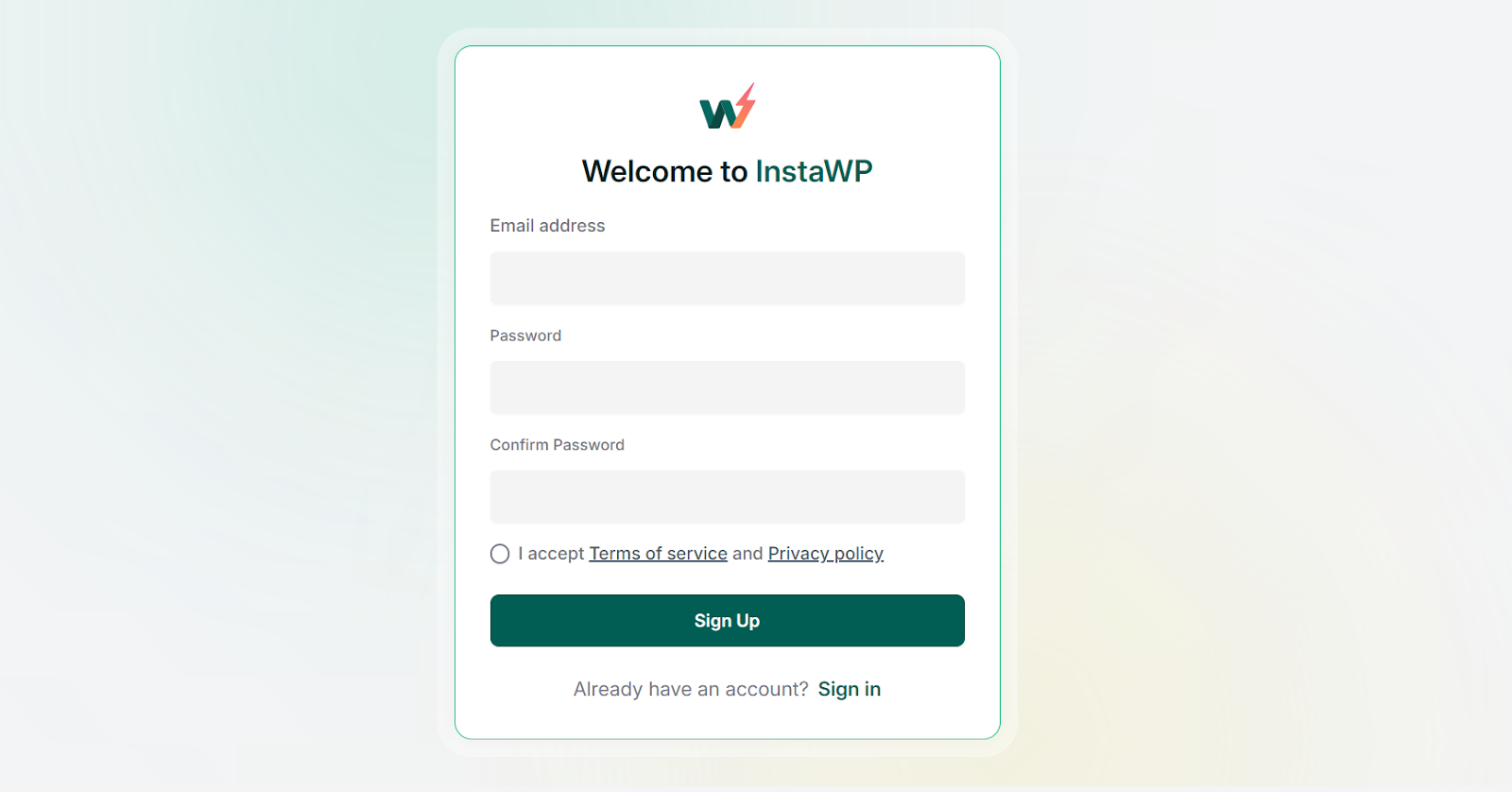
First, Sign Up if you already don’t have an account on InstaWP, and then Sign in to access the dashboard.
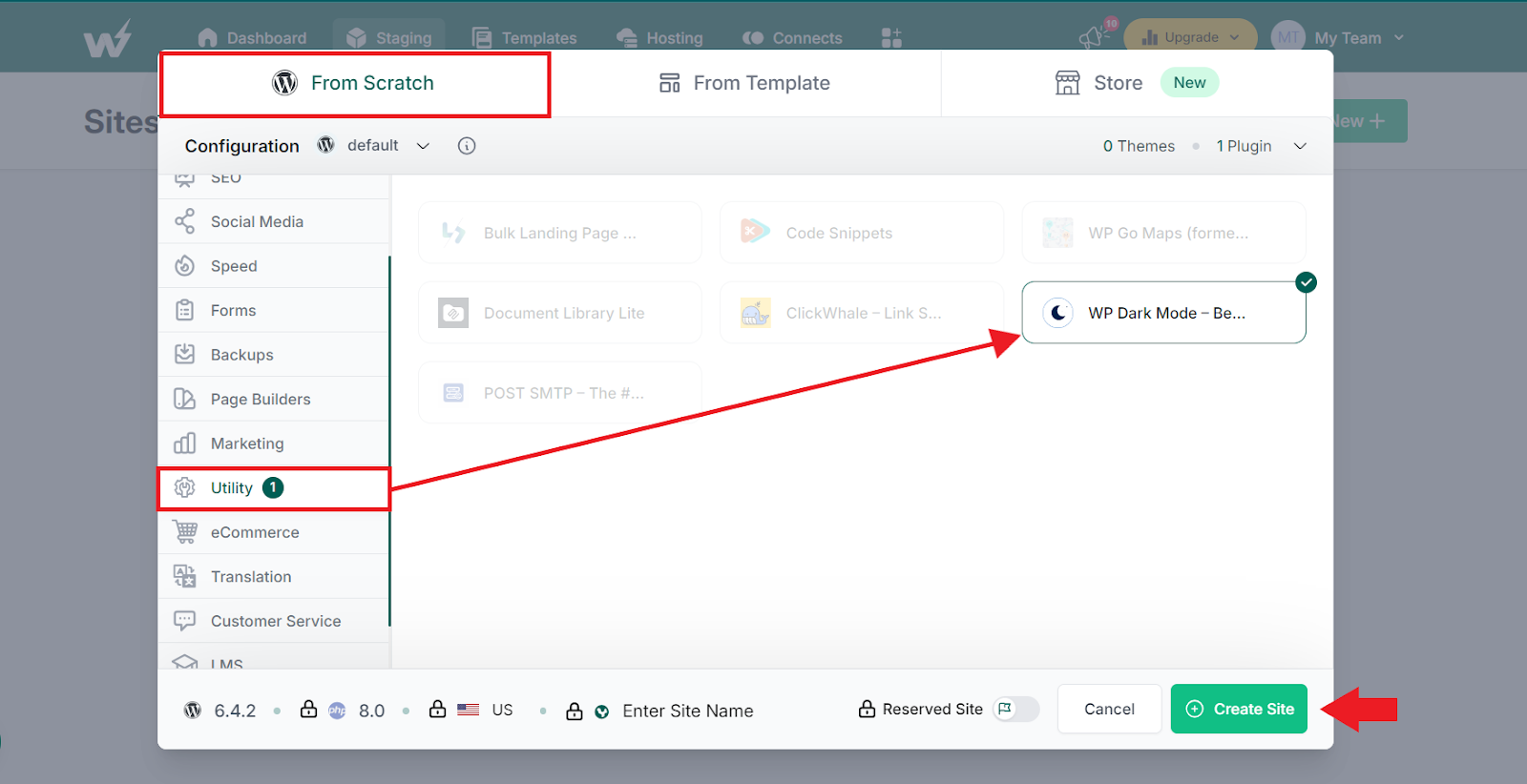
Now, click on the ‘New Site‘ button to get started and create a test WordPress site.

Now, from the dashboard that will appear, go to the Utility tab and select WP Dark Mode. Then just click on ‘Create Site’.
That’s it!
Now just access the site to experience and test the dark mode on WordPress with WP Dark Mode.
WP Dark Mode will be there pre-installed and activated for you to experience without going through any extra steps.

Frequently Asked Questions
What is InstaWP?
InstaWP is a service for creating temporary WordPress sites in seconds. Developers use it to test plugins, build staging copies, show demos and hand off sites to clients.
What is the WPPOOL and InstaWP partnership about?
The partnership makes it easier to try WPPOOL plugins like WP Dark Mode on InstaWP sites, so developers can test features on a fresh WordPress install before using them on a live site.
How do I install WP Dark Mode on an InstaWP site?
Create a site in InstaWP, log in to its WordPress dashboard, go to Plugins, Add New, search for WP Dark Mode, then install and activate it. You can test settings right away.
Why test plugins on a staging site first?
A staging site lets you try updates and new plugins without risking your live site. If something breaks, you fix it there, and visitors never see the problem.
Can I try WPPOOL plugins without installing them on my site?
You can. Spin up a temporary WordPress site with InstaWP and test WPPOOL plugins there, so you see how they work before adding them to your live site.
Is InstaWP free?
InstaWP has a free plan for creating temporary test sites, and paid plans for longer-lasting sites, more storage and extra features. Check the InstaWP pricing page for current limits.
Closing remarks
Enjoy the sleek and modern look of dark mode instantly with WP Dark Mode and InstaWP, enhancing the experience of testing the aesthetics and usability of your WordPress site on a dark mode setup.
We are very excited to be able to offer you this hassle-free dark mode experience with this partnership with InstaWP. We hope this collaboration will bring you convenience and help you make better decisions in less time for your WordPress website.
We assure you, this partnership is not the end. We will try our best non-stop to bring you greater convenience and improve your experience in the future through more and more offerings like this.


Add your first comment to this post