










Thinking about launching your own online course? There’s never been a better time. Driven by a massive shift toward digital delivery, the global e-learning market is skyrocketing past $365 billion this year.
But today’s students expect interactive experiences, not static text. To claim your slice of this booming industry without a massive tech budget, a WordPress LMS (Learning Management System) plugin is your best bet.
Tools like TutorLMS, Masteriyo, and LearnDash can instantly transform a standard WordPress site into an e-learning powerhouse. Handling everything from drag-and-drop course creation to automated payments. Here are the 9 best WordPress LMS plugins to launch your digital classroom today.
Table of Contents
- What are LMS Plugins?
- Why Do You Need WordPress LMS Plugins
- Best WordPress LMS Plugins that We Recommend!
- Final Verdict
What Are LMS Plugins?
LMS stands for Learning Management Systems. LMS plugins, like most other plugins, are useful software add-ons for customizable platforms like WordPress.
The difference is that LMS plugins are solely focused on turning your websites into learning platforms. They help with course creation, launching, and management.
You can plan lessons, make educational videos, sign up students, manage payment gateways, take tests, grade tests, offer certificates, and so on. Learn more about best WordPress plugins for your site.
Why Do You Need WordPress LMS Plugins
The primary function of a WordPress LMS plugin is course creation and management. But there’s more to it. Here’s a brief overview of some of the things that you can do with WordPress LMS plugins if you use them right:
Manage All Courses Simultaneously: Whether you launch one course or more, you can manage them all centrally. That is, you don’t have to shift from one interface to another to edit or launch your courses.
Just by logging in to your admin page, you can directly access and control management tools such as – content publishing, content editing, student enrollment, progress tracker, etc.
Broad Customization: With LMS plugins, you can customize your courses in accordance with your brand image for better visibility. You can customize the course layout and incorporate your preferred designs.
Additionally, you can customize the course pricing to make it more student-friendly.
Certification: Upon completing the courses, the students can receive certificates automatically. They can further use these certificates as proof of skill in their CVs.
Instant Grading: To retain the student’s interest, you can gamify your courses with LMS plugins. Upon reaching specific milestones, students can unlock different characters (for instance – new profile icons).
Additionally, you can integrate the answers in advance so that students are automatically graded once they complete tests/courses. As such, you don’t have to manually check each script, and students don’t have to wait for results all day.
Drip Content Facility: With one good LMS plugin in place, you can develop your brand image with multiple courses. Launch your most prominent courses to jumpstart your learning platform, and add as you go.
With LMS plugins, you can manage all your courses – the new and the old – and integrate new ones into old playlists so the students can find them all in one place.
Massive Flexibility: With LMS plugins, educators and entrepreneurs can access all formats easily to prepare course materials. For instance – videos, quizzes, assignments, etc. They can also create forums where learners can discuss problems and find solutions as a thriving community.
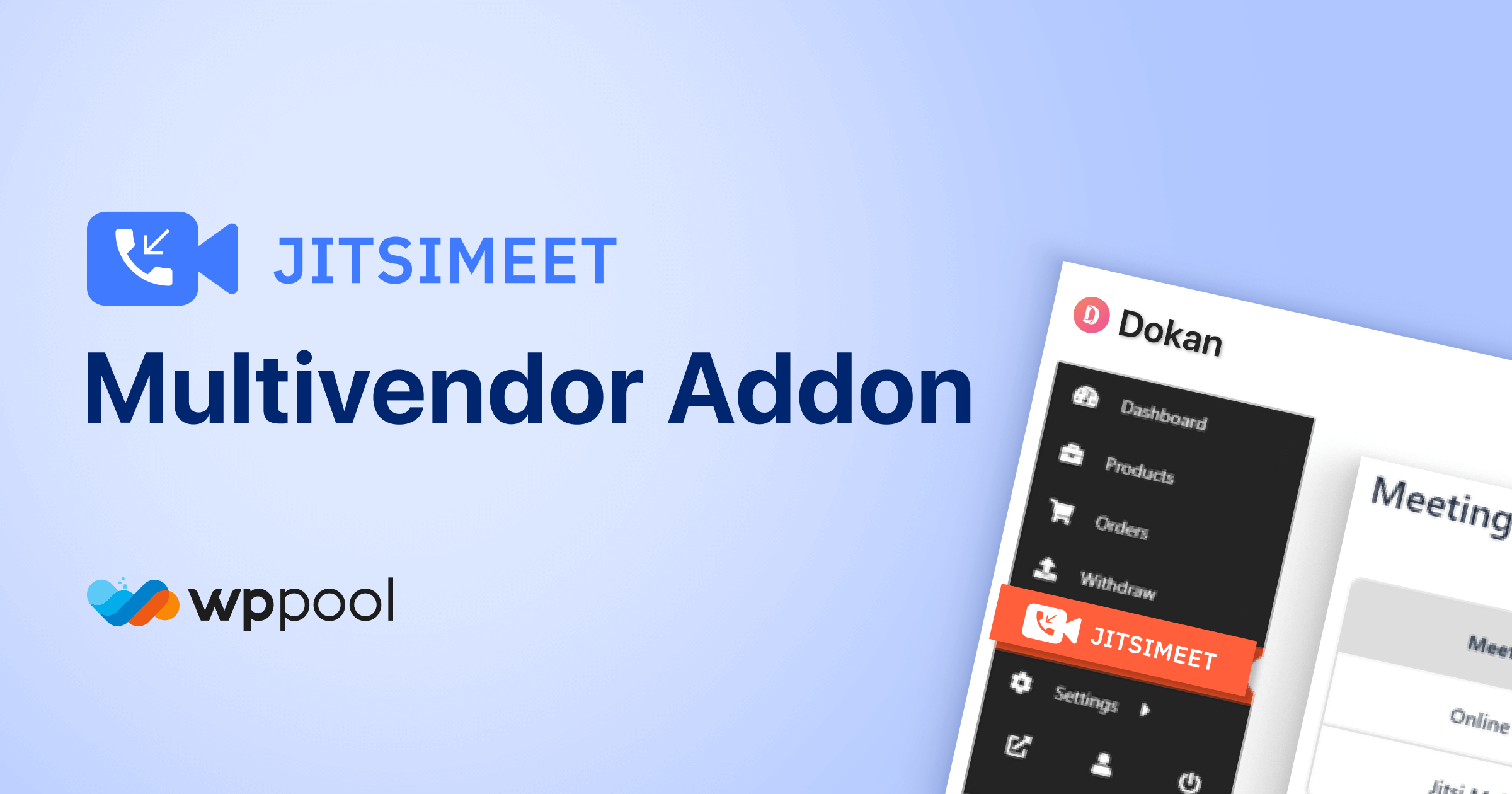
LMS plugins allow teachers to stay connected with their students through live meetings anywhere with a built-in Gutenberg block and Elementor widget. JitsiMeet is one such plugin. With it, you can even monetize your videos and meetings by linking WooCommerce products seamlessly.
Known as one of the strongest no-code video conferencing plugins on the market, JitsiMeet offers both a free version and a Pro version with dedicated support for LMS platforms, including LearnPress, TutorLMS, and LearnDash.
Manage Payment Gateways: LMS plugins allow you to place payment gateways efficiently. So, every time a student signs up for any of the courses, they can pay via the website directly.
Exponential Scalability: Depending on your business needs and performance, you can both scale back and scale up your online courses with LMS plugins. With a growing business, you can launch more courses, adjust your pricing, and create more forums for engaging students.
All in all, the right usage of a good LMS plugin can make or break your career as an online educator. To get started, check out How to Create a Plugin Demo in WordPress.
Best WordPress LMS Plugins that We Recommend!
While curating this list, we considered the following factors – accessibility, mobile responsiveness, security level, customization features, pricing, and overall support system to bring you only the best.
Without further ado, take a look at the 9 best WordPress LMS plugins in 2026 alongside their features & price range to find the one best suited for your needs:
1. Tutor LMS
Plugged in with over 100,000 running websites worldwide, TutorLMS is one of the fastest-growing and most efficient WordPress LMS plugins in 2026.
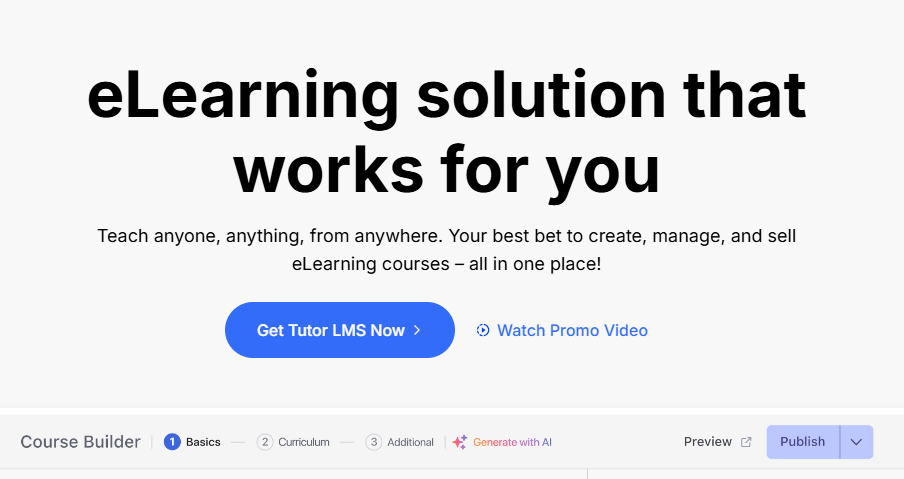
TutorLMS makes online learning a breeze with built-in quiz builders to create lessons, MCQs, charts, etc. in a jiffy. Its seamless monetization allows you to manage multiple instructors and courses.
Furthermore, the built-in analytics help to calculate the profit margin efficiently while you can sit back and focus on teaching.
What We Liked Most About TutorLMS
This little plugin seamlessly integrates with Zoom, Google Classroom, Google Meet, BuddyPress, WooCommerce, ChatGPT, Weglot, H5P, etc. No matter what platform you use and are comfortable with, TutorLMS helps you bring the best out of your capacity.
This product comes with a certificate builder of its own. It lets the educators either choose a certificate template for their course members OR they can come up with a totally new design. People won’t have to spend hours on Fiverr to find a designer anymore.
Cost management for the win!
This plugin has its own comprehensive built-in analytics to measure course performance, sales trends, refund rates, student progression, etc.
Now you can find out how your course is tracking with real-time analytics. You’ll be able to tweak course materials and promote your courses to the right audiences as well.
You can easily use its built-in content bank to reuse Lessons, Assignments, Quizzes, etc. across multiple courses. You don’t have to manually redo all your courses ever again. Save up on both time and energy by reusing previous content.
Additionally, TutorLMS comes with an intuitive drag-and-drop quiz and course builder. Simply sit through the tutorial to figure out the tactics and turn your lesson plans into valuable courses in minutes!
TutorLMS provides multi-instructor support with secure revenue sharing options. Thanks to this, mentors can collaborate with their industry peers on courses that require experts on multiple topics. They won’t have to worry about splitting the fees.
Pricing: For solo educators, pricing starts at $199/year. For businesses and agencies, pricing starts at $399 & $799, respectively.
2. Masteriyo
If you’re on a tight budget but still need a comprehensive learning management system to launch or manage your e-learning business, then there’s arguably no better solution than Masteriyo. It easily offers the most feature-rich free plan of all WordPress LMS plugins, to the point where you can run a legitimately excellent learning platform without ever opening your wallet.
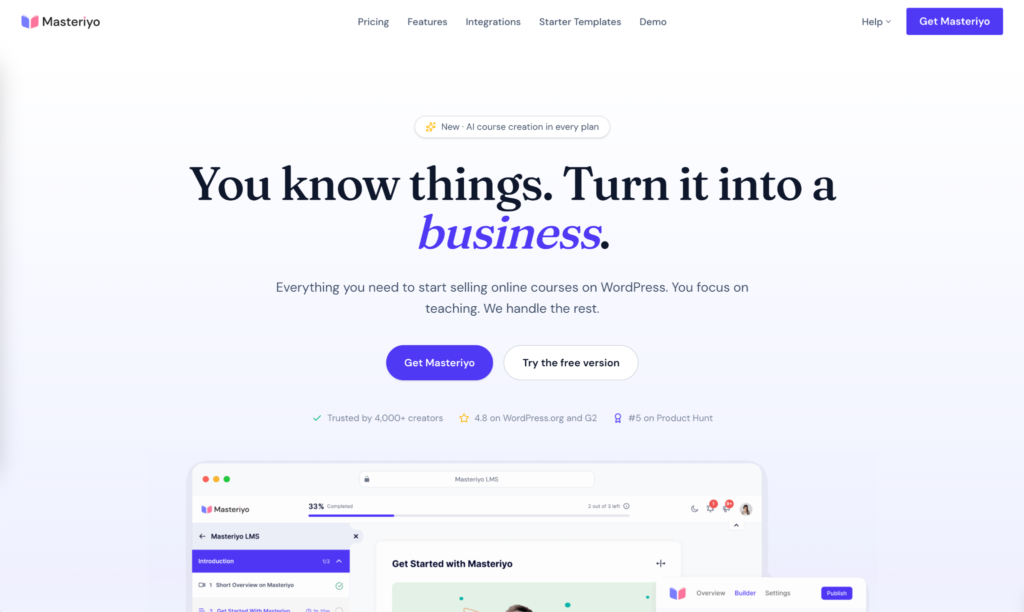
Masteriyo’s user dashboard is very beginner-friendly, and building a course requires nothing more than following the on-screen directions. Moving sections around is frictionless with Masteriyo’s drag-and-drop functionality. You can also embed videos from YouTube and Vimeo directly into your lessons to provide learners with additional information or additional ways to absorb the course material. There’s even an option to host live classes. To add quizzes to your lessons, you can either import existing ones or build from scratch with the quiz builder.
When students successfully complete a course, use the certificate builder to generate a completion certificate for them and let them leave reviews to attract new students. Finally, Masteriyo does not restrict the number of students or instructors you can register, so the growth potential of your e-learning business is uncapped. And to reiterate: all the features just mentioned are fully available on Masteriyo’s free tier.
What We Liked Most About Masteriyo
Compared to most other LMS plugins, Masteriyo doesn’t limit your payment gateways on the free plan. Whether it’s Stripe, Surecart, Mollie, Lemon Squeezy, PayPal, or WooCommerce, you can choose the one that fits your needs without being forced to upgrade.
The AI Course Builder is another feature that most competitors charge for, but with Masteriyo, you can connect your OpenAI account, even on the free tier. The end result is not only money saved, but also time saved, as leveraging ChatGPT to generate course descriptions, lessons, and content significantly accelerates the entire process. However, it’s important to note that while Masteriyo doesn’t paywall its AI feature, you’ll still need to purchase API credits from OpenAI to make it work.
Pricing: The core Masteriyo plugin is 100% free. To unlock additional features you must upgrade to a paid plan. The entry-level option is called Basic and starts at $99 per year. It works with one website, as does the Pro plan above it. To use Masteriyo on up to ten websites, you’ll need the Elite plan. All plans include a 14-day money-back guarantee.
3. Academy LMS
Last but not the least, with a 5-star rating in WordPress itself, Academy LMS is a complete LMS powerhouse.
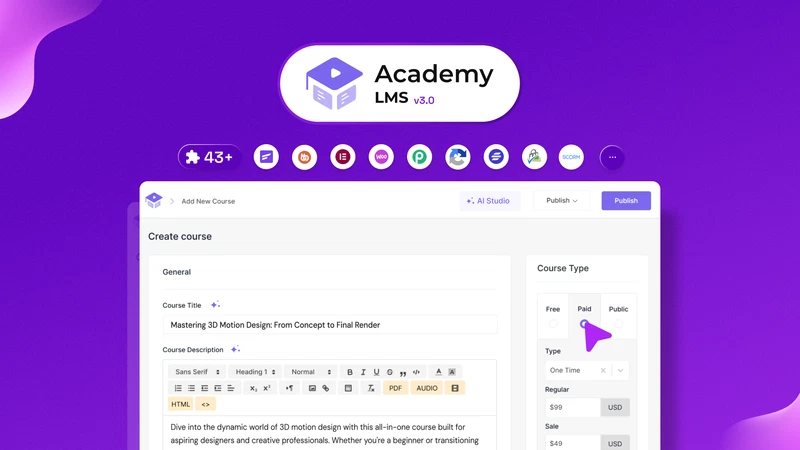
With its built-in WooCommerce integration, you can not only create courses but also sell them in minutes. Academy LMS offers an advanced and rich repository of customization options to build premium courses & assessments.
Furthermore, it allows you to sort your lessons efficiently to curate a pragmatic and efficient learning environment.
What We Liked Most About Academy LMS
Academy LMS requires zero coding for course-building or lesson-planning. Like the other plugins, this one also offers a variety of supported themes for your ease.
This plugin offers group coaching sessions as well as 1:1 mentorships. Students can opt for batch sessions as well as one-on-one sessions with the instructors.
It’s not limited to just courses – you can sell audiobooks, eBooks, course templates, etc. as well. In addition to virtual courses, you can market and sell other academic items on the platform.
Academy LMS provides easy scalability due to revenue sharing options with multiple instructors. So, you can drive the buzz with new and popular instructors to amplify the reach of your courses.
This plugin allows discussion forums. You can get the conversation flowing between learners all over the world.
Academy LMS comes with a custom database table that can store hundreds of lessons without lagging. Don’t lose any more of your resources due to slow performance.
Furthermore, Academy LMS’s interface is extra responsive with 60% faster backend loading time. This helps both learners and instructors to manage their time efficiently.
This plugin offers seamless integration with WooCommerce, Elementor, FluentCRM, StudioCart, and many more. You won’t need to pay for all these plugins separately, as you’ll get them all at once.
It also provides an efficient tutor booking system for students to book lessons with preferred mentors directly. If special lessons are needed, Academy LMS will help you to find the right instructors.
With this plugin, you can utilize multiple video sources for true diversification of lesson content. You can make your courses more engaging with these sources. And in turn, retain the interest of learners.
Pricing: For individuals, pricing starts at only $119/yearly. A one-time payment of $357 will grant you lifetime access (1-site license). Custom plans are available, while business plans normally start from $239.
4. Learnomy

If you want to launch a full-featured online academy without stitching together five different plugins, Learnomy is worth a serious look. It brings course creation, quizzes, payments, certificates, and instructor management under one roof, all running directly on your WordPress site with no WooCommerce dependency required. For solo creators and growing academies alike, it’s a genuinely self-contained solution.
What We Liked Most About Learnomy
Building courses is fast and intuitive with Learnomy’s drag-and-drop builder. The free version ships with six built-in quiz types, so you can cover most basic assessment needs right out of the box without touching a single add-on.
Monetization is equally no-fuss. Stripe and PayPal are supported natively with no platform fees, and multi-instructor academies can handle commission splits and Stripe Connect payouts automatically through Pro. You won’t have to manually sort out revenue sharing between instructors ever again.
Learnomy includes an auto-issuing certificate system with QR verification. Educators can hand out verifiable completion proof to students without relying on any third-party service or manual workflow.
The free version is genuinely production-ready, which makes it a strong starting point for creators who want to test the waters before committing to a paid plan. Pro unlocks AI course authoring, cohorts, advanced quiz controls, and verifiable certificates for operations that are ready to scale.
For teams with more complex needs, a REST API and offline progress sync make it easy to integrate with external systems and support learners in low-connectivity environments, features you’d normally expect only at enterprise price points.
Pricing: Free (Pro from $104/year)
5. Sensei
Sensei LMS is the brainchild of Automattic i.e. the company behind platforms such as WordPress and WooCommerce.

As one of WordPress’s sister platforms, Sensei LMS pairs well with most WordPress themes – making it super design-friendly, even for beginners.
What We Liked Most About Sensei LMS
Sensei LMS comes with a Course Theme to curate engaging and interactive courses. Instructors can create a website with the WordPress Block Editor as well.
The theme is free. Naturally, you’ll save some money. Don’t feel like painstakingly arranging blocks from scratch? No problem. You can simply access their huge library to choose your preferred templates!
This plugin offers Learning Mode for uninterrupted, hassle-free learning. Like LearnDash’s Focus Mode, Sensei LMS’s Learning Mode allows students to focus on finishing lessons by removing all distractions.
Its built-in analytics allow you to track student performance and lesson progress. You can track the central course performance and individual performance. That way, as an instructor, you can pinpoint the pain points of the learners and manage your lessons efficiently.
Sensei LMS offers seamless integration with YouTube, Vimeo, and VideoPress for video-based lessons and courses. You can use these integrations to make your courses video-focused and image-friendly.
It further promotes public showcasing of courses to give mentors some much-needed exposure. Mentors can highlight their best courses upfront to attract more learners into pursuing them.
Sensei LMS’s built-in conditional content feature locks lessons and courses based on enrollment status and student groups.
Course materials are divided according to payment plans and once the enrollment status is updated, the content is automatically unlocked for the members.
It comes with an automatic certificate-generator (downloadable in PDF-format). So, you can use the certificates digitally and if you need physical copies, you can print the PDFs.
Sensei LMS also offers multi-language support for bi-lingual or multi-lingual students. Language is not a barrier anymore as students can pursue the courses in their preferred language.
Pricing: Free version available. Sensei LMS Pro starts from $179/year. You can also access only interactive blocks for $60 every year.
6. LearnDash
LearnDash is a robust WordPress LMS plugin used by universities and teaching centres worldwide. It’s a plugin created by educators, for educators.
Its drag and drop course builder isn’t limited to manual course creation only. You can copy and paste video playlist URLs to generate courses in under a minute.

What We Liked Most About LearnDash
We’re in love with its “Course Cloning” feature. It allows you to duplicate content for multiple courses across the platform. Like TutorLMS, you can duplicate previous course content to further enhance your lesson plans.
LearnDash comes with a focus mode. It helps students to minimize distractions during classes. Procrastination won’t be much of a problem when people need to finish courses on a tight schedule.
Good instructors ensure their students constantly improve and keep track of their progress. LearnDash believes so as well. This plugin has an “Automated Notification” feature.
It reminds students how much progress they made. These notifications serve as reminders of their performances as well. With this, it’s very hard to slack off.
Remember the in-built certificate generators? Yes, LearnDash can do that and badges as well. This helps to generate and maintain enthusiasm so students can aspire to achieve the best possible results.
Every student has their own profile dashboard. They can check their completed lessons and quiz reports at any time. Regular report tracking means course takers can pin-point their weak areas and plan accordingly.
LearnDash is a handy marketing tool as well. With it, people can “Pre-sale” courses and generate some money. If you’re popular and launching a much awaited new course, this is the plugin to go for!
It integrates seamlessly with the MemberDash plugin to restrict content and to sell memberships. Members can only access the courses they have paid for (except the free courses) & unlock new content.
LearnDash supports images, videos, audio, SWF files, HTML5, etc. It’s compatible with 100+ WP themes as well. You can design your courses with enriched material to make it more fun & interactive!
Pricing: The pricing plans of the premium version start at $199 per year.
7. LearnPress
You can also additionally have heard this call before. It is one of the maximum famous unfastened LMS plugins for WordPress websites.
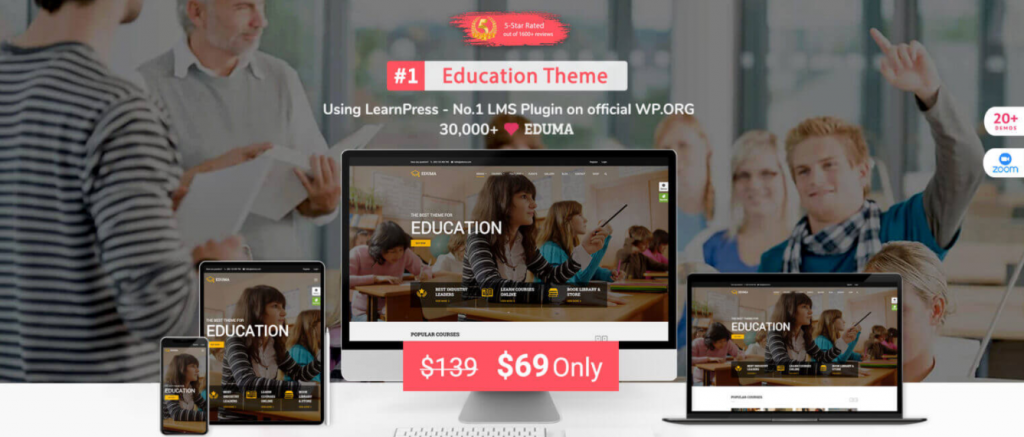
More than 100,000 humans are actively the usage of this plugin for their WordPress websites. Unlike maximum different LMS plugins in this list, LearnPress comes with a setup wizard that makes onboarding smooth for customers of all levels.
The lovely interface makes it smooth to create publications in addition to exporting/importing them from different websites that use LearnPress. Most of the simple LearnPress accessories are unfastened.
However, you could additionally pay for top-class accessories for such things as certificates, co-trainer support, and WooCommerce support.
What We Liked Most About LearnPress:
- Provides a landing page template for linking ads and talking about course descriptions, curriculum, and more.
- Content dripping is provided, along with random quizzes, paid memberships, and a WooCommerce add-on
- Supports a large collection of payment gateways including 2Checkout, Authorize.net, and Stripe.
- Allows for multiple instructors, where two or three teachers manage one course.
- A badge and point system is available to gamify your courses.
Pricing: LearnPress is fully free to use. But if you want to use its premium add-ons, you will have to pay as per the add-ons pricing.
Read: How to Create Courses Using Jitsi Meet and LearnPress
8. FoxLMS
FoxLMS is an intuitive WordPress LMS plugin built for educators, course creators, and businesses that want a simple way to launch online learning platforms. Designed with ease of use in mind, it allows users to create and manage courses without technical complexity while still offering powerful learning tools.
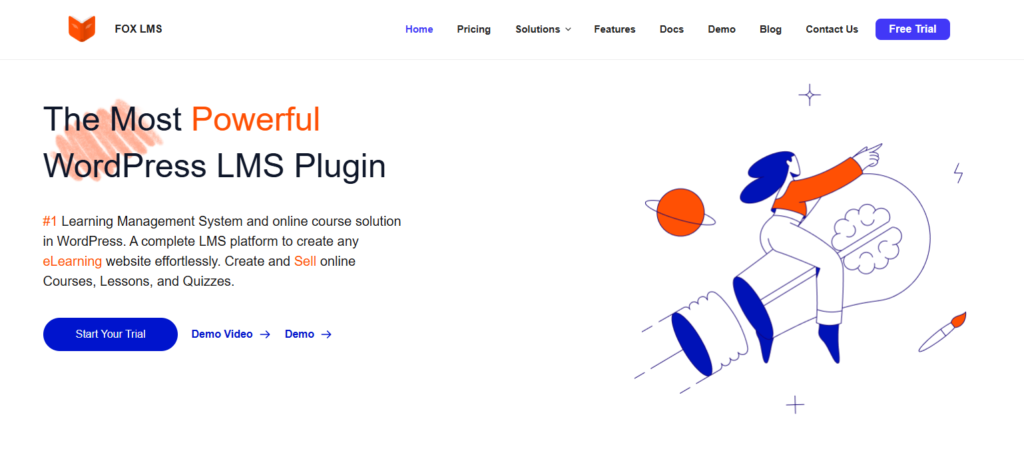
With FoxLMS, building courses is straightforward thanks to its clean interface and beginner friendly workflow. You can create lessons, quizzes, certificates, and Q&A discussions, manage students and instructors, and track progress from one dashboard. It works well for online schools, independent instructors, and corporate training programs, making it a flexible solution for different learning needs.
What We Liked Most About FoxLMS
FoxLMS stands out for its user-friendly course builder that helps instructors structure lessons and publish courses quickly. The setup process is simple, allowing users to focus on teaching rather than configuring plugins.
It includes essential LMS features such as quizzes, certificates, progress tracking, role management, and communication tools. Built-in monetization and payment support also make it easy to sell courses directly from WordPress.
Another strong point is its adaptability. FoxLMS supports a wide range of use cases, from solo instructors to training teams, with dashboards, reporting, multimedia lesson support, and analytics that help deliver engaging learning experiences.
Pricing: Plans start at $49 per year for a single site, with higher tier options available for developers and agencies.
9. LifterLMS
LifterLMS, unlike LearnDash, offers a free version with paid premium add-ons. With its intuitive course builder, you can easily transform any site into a learning space.
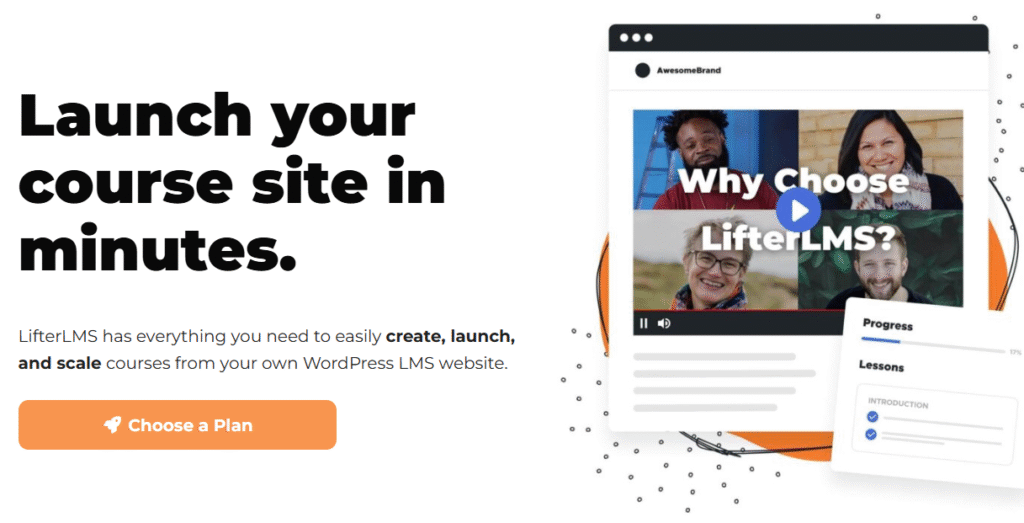
LifterLMS comes equipped with an array of free features, including in-depth student reporting, adding prerequisites, awarding certificates, creating multimedia quizzes, etc.
Even without signing up for the paid version, you can sell your courses and withdraw payments from PayPal & Stripe.
What We Liked Most About LifterLMS
LifterLMS’s built-in Discussion Area allows learners to freely express their concerns and solve problems with fellow peers. By posting questions, they can get real-time help from other members and instructors.
Multiple course instructors can be assigned to a course as revenues are shared automatically. Like TutorLMS, LifterLMS also allows the contribution of multiple instructors in courses to promote variability. Lessons are more engaging too!
You also have the option to make your course’s reviews public. This way, potential members can check out the course content briefly and decide whether they need it or not.
LifterLMS works seamlessly with modern WordPress themes, Gutenberg, Elementor, Beaver Builder, etc. So, even if you don’t have any coding skills yourself, you can still make your courses super engaging with great UI and a ton of interactive options for users.
LifterLMS has “Zero Limits” on courses, student enrollments, or earnings with the free version. The free version is more than enough to get you started as a new mentor.
With LifterLMS, you don’t really have any limit. You can enroll as many students you can and launch as many courses you want. There aren’t any payment restrictions either. You can withdraw every penny you earn!
This plugin allows students to reach out to instructors via discussion forums. If a course member needs special attention, they can contact instructors privately and arrange for separate sessions as well.
Pricing: LifterLMS comes with both free and premium versions. The pricing plan of the premium version starts at $149.50 per year.
Final Verdict
With that, it’s time to wrap up today’s article on the 9 best WordPress LMS plugins for learning platforms in 2026. If you’re looking to launch a remote and engaging learning space as an educator or an entrepreneur, then a solid LMS plugin is the way to go.
If you want to test the waters as a beginner, we’d suggest starting with LifterLMS. Its highly-optimized interface, along with AI-powered tools, allows you to create courses in a matter of minutes.
Academy LMS, on the other hand, is another top choice if you’re looking to sell premium courses online. And if heavy customization is what you’re after, we’d suggest pursuing Sensei LMS, as it works great with most WordPress themes.
And lastly, if video conferencing is a priority feature, then we’d highly recommend installing JitsiMeet -Webinar and Video Conference with the TutorLMS, LearnDash, or LearnPress plugin.
All in all, take the time to revisit the features before committing to anything.
Choose the one that best fits your needs and go on to curating courses and launching your academic career effortlessly. We wish you all the best!
FAQs
- What are the best WordPress LMS plugins for WooCommerce?
For WooCommerce sites, LMS plugins such as WP Courseware and Academy LMS offer seamless integration facilities.
- Which LMS plugin should I choose as a beginner?
LearnPress is one of the best options for beginners that’s budget-friendly as well. The free versions of Sensei LMS and LifterLMS work remarkably well too.
- How can I sell courses with WordPress LMS plugins?
Most LMS plugins offer integration facilities with WooCommerce, PayPal, etc. With these plugins, you can sell your courses and receive payments securely.


Add your first comment to this post