







If you run more than one WooCommerce store, you already know the problem. Every price change, stock update, or product edit has to be made separately in every store. There is no shared control layer. No single place where everything is connected. You log in, update, log out, log in somewhere else, and repeat.
We built Multi-Store Sync because this problem kept coming up in customer requests, and because we could not find a solution in the market that actually solved it in a comprehensive way. This post explains what triggered the build, how it works, and exactly who it is for.
The Problem: No Comprehensive Way to Sync Inventory Across Multiple WooCommerce Stores
Multi-store WooCommerce setups are more common than most people realize. Brands run separate stores for retail and wholesale. Businesses run regional stores for different countries. Agencies manage product catalogs for multiple clients at once. Companies own multiple brands, each with its own WooCommerce installation.
What do all of these have in common? The people running them spend an outsized amount of time on repetitive product management work. Update a price in one place, then update it everywhere else. Adjust stock in one store, then check every other store manually. Add a new product description, then copy-paste it across dashboards.
We had already built FlexStock, a plugin that solves this problem for single-store owners by connecting WooCommerce to Google Sheets. Merchants loved the spreadsheet-based workflow. Then the requests started coming in: can we use this across multiple stores?
After seeing the same question from enough customers, we looked at what was available. The existing options were fragmented, limited, or required complex technical setups that most WooCommerce merchants could not realistically manage. There was no comprehensive solution that allowed one user to sync inventory across multiple WooCommerce stores from a single place without a developer. So we built one.
What Is Multi-Store Sync for WooCommerce?
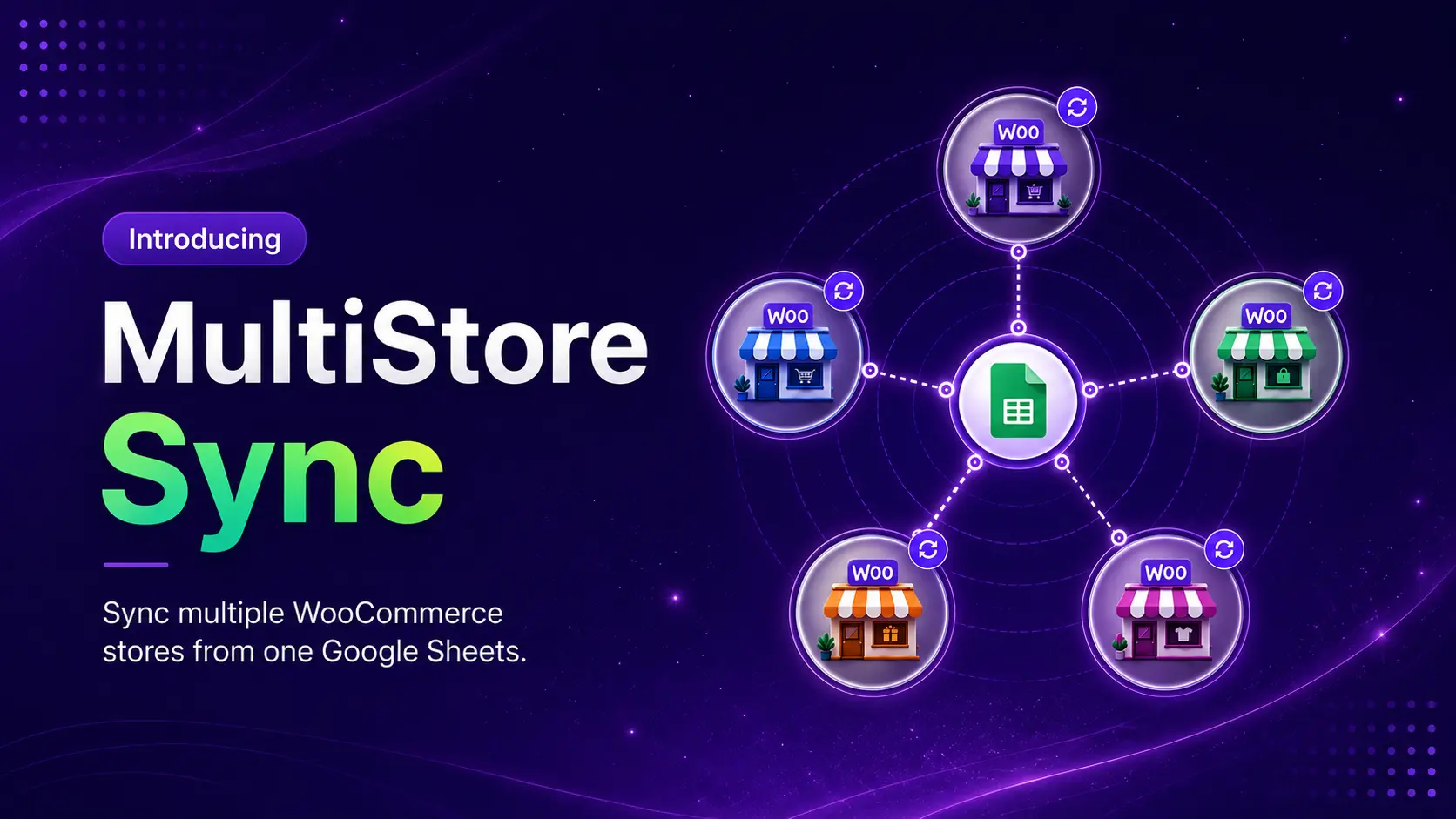
Multi-Store Sync is a FlexStock add-on. It connects multiple WooCommerce stores through a token-based system and lets you manage shared product data from Google Sheets.
Here is how it works:
- Source Store: This is the store that creates a secure token and controls which products are shared. It decides whether to share all products, a filtered selection (by category, tags, or attributes), or a list of specific SKUs.
- Destination Store: This is the store that adds the token and connects to the Source Store. Once connected, it can sync and manage the shared products through FlexStock’s Google Sheets workflow.
Both stores have the add-on installed. The Source Store controls access. The Destination Store connects and manages. Everything happens through Google Sheets.
Think of it as giving a Destination Store a controlled window into another store’s product catalog. The Source Store decides what is visible through that window and what is not.
WooCommerce Multi Store Inventory Sync: What You Can Actually Do
Once stores are connected, here is what the workflow supports:
- Manage product data across connected stores from a single Google Sheet
- Each connected store gets its own tab in the sheet for clear organization
- Bulk update prices, stock levels, descriptions, and other product fields across stores
- Preview sync changes before applying them to avoid accidental overwrites
- Real-time sync so changes in the sheet push to the right store immediately
- Filter what gets shared: all products, specific categories, specific tags, specific attributes, or exact SKUs
- Product field access follows your active FlexStock plan, no fields are locked again inside the add-on
Who Is Multi-Store Sync For?
We designed this add-on for eight specific types of WooCommerce operators. Here is a breakdown of each.
Retail and Wholesale Store Operators

Many brands run a retail-facing WooCommerce store and a separate wholesale store for trade buyers. The product catalogs overlap but the pricing, visibility, and stock rules are different.
With Multi-Store Sync, the retail store can act as the Source Store, share selected products through a token, and let the wholesale store sync and manage those products from Google Sheets. Pricing and visibility stay separate. Product updates stay consistent.
Best for: Fashion brands, cosmetics stores, electronics sellers, grocery suppliers, and any business with a separate wholesale portal.
Regional and Country-Specific Stores

International WooCommerce operators often run separate stores for different countries, currencies, or languages. Keeping product data consistent across those stores is slow and error-prone when done manually.
Multi-Store Sync connects regional stores, shares selected products between them, and lets product data be managed through one Google Sheets workflow. Common product information stays aligned. Region-specific pricing and content stays independent.
Best for: International eCommerce businesses, country-specific storefronts, and multi-currency WooCommerce setups.
Warehouse or Main Store to Multiple Storefronts

Some businesses have one central catalog or warehouse store that supplies multiple storefronts. Updating each storefront independently creates stock mismatches and product inconsistencies over time.
The central store acts as the Source Store. Each retail, wholesale, or outlet storefront connects as a Destination Store. Product updates from the central sheet flow to the right stores automatically.
Best for: Warehouse-based businesses, multi-location retailers, franchise-style operations, and businesses with multiple branded storefronts.
Multi-Brand WooCommerce Operators

A company may own several WooCommerce stores for different brands, categories, or product lines. Some products are shared across brands. Others should stay separate.
Multi-Store Sync handles this through filtering. Share only the categories or SKUs that apply to each brand. Keep the rest of each store’s catalog isolated. Manage shared product updates from one sheet without mixing unrelated products across stores.
Best for: Multi-brand companies, niche store operators, category-specific stores, and businesses running multiple WooCommerce brands.
Agencies and Freelancers Managing Client Stores

Agencies and freelancers managing product updates for multiple WooCommerce clients spend significant time logging into different dashboards to make the same kinds of changes repeatedly. Stock updates, price adjustments, description edits — each client store requires a separate login and a separate workflow.
Multi-Store Sync changes that. Connect client stores, organize each client’s data in a separate Google Sheets tab, and bulk update products across stores without switching dashboards. The add-on supports 50-site and 500-site plans designed specifically for agencies. Learn more about managing multiple WooCommerce stores as an agency.
Best for: WooCommerce agencies, freelancers, eCommerce maintenance teams, and WordPress service providers managing multiple client stores.
B2B, Dealer, and Distributor Networks

A distributor or supplier may need to share a selected product catalog with dealers or partner stores. Multi-Store Sync supports this when both sides use WooCommerce and have the add-on installed.
The Source Store controls which products are shared through token-based access. Each Destination Store (dealer or partner) connects using their token and syncs only the allowed product selection. The Source Store keeps full control of what is visible to each partner.
Best for: B2B sellers, dealer networks, reseller stores, distributors, and supplier-owned WooCommerce stores.
Teams Managing Independent Stores
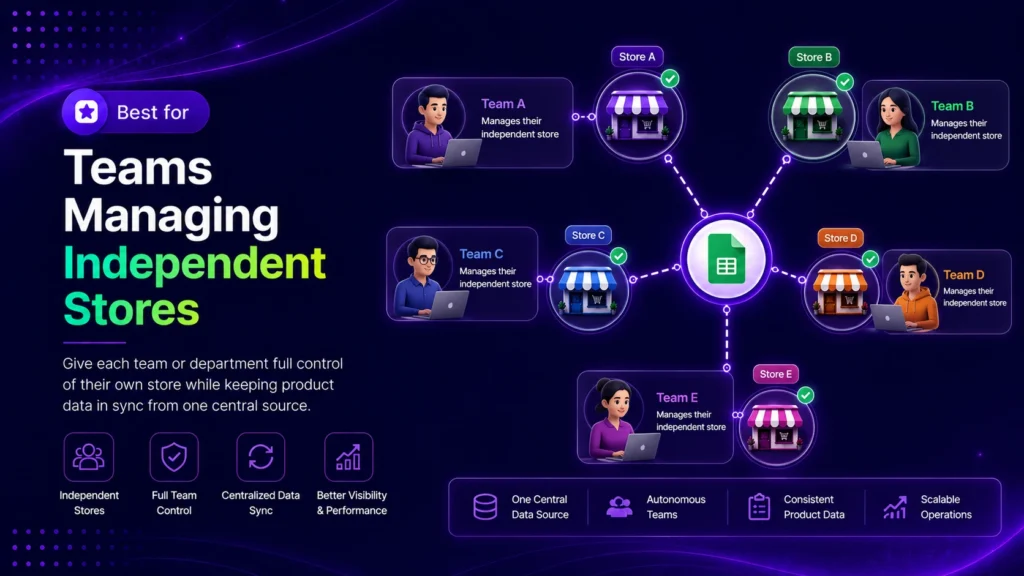
Not every multi-store setup needs everything synced everywhere. Some teams manage multiple independent stores and simply want a better operational workflow without forcing full cross-store product sharing.
Multi-Store Sync lets teams connect only the stores that need product sharing and keep everything else separate. Filters and specific SKU sharing give you fine-grained control over exactly what moves between stores.
Best for: Operators managing separate businesses, multiple niche stores, side brands, or stores with different product strategies.
Small Catalog Businesses Starting Free
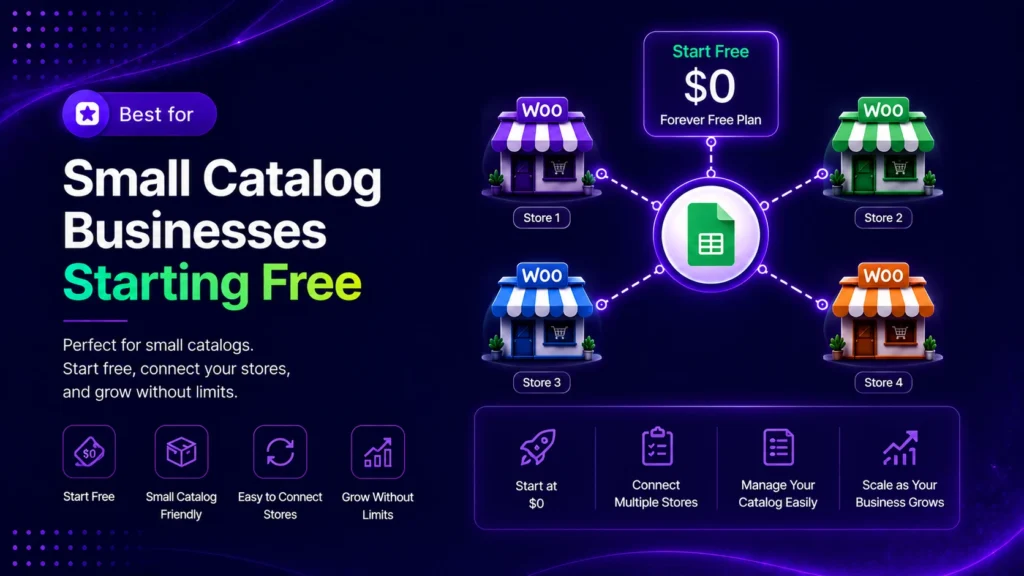
The free plan is designed for smaller catalogs that want to test the real multi-store workflow before committing. One store connection, one token, and up to 20 parent products. Variations are included without counting toward the 20-product limit, so a variable product with multiple sizes and colors still counts as one.
When the workflow fits, upgrading to Pro unlocks unlimited connections, tokens, and product sync.
Best for: Small boutiques, handmade shops, niche product brands, and limited-catalog businesses testing the add-on.
Free vs. Pro: What You Get at Each Level
Multi-Store Sync has a free plan that covers the core workflow and a Pro plan that removes limits and unlocks advanced filtering.
| Feature | Free | Pro |
| Store connections | 1 | Unlimited |
| Tokens (Source Store) | 1 | Unlimited |
| Parent products synced | 20 (unlimited variations) | Unlimited |
| Filter by category and tags | Yes | Yes |
| Filter by attributes | No | Yes |
| Specific SKU sharing | No | Yes |
| Sheet tab-based store management | Yes | Yes |
| Bulk update across stores | Yes | Yes |
| Preview sync before applying | Yes | Yes |
| Real-time sync | Yes | Yes |
| Product fields available | Based on FlexStock plan | Based on FlexStock plan |
One important note on Pro: premium behavior applies only on the licensed Pro site. A Free Destination Store connecting to a Pro Source Store still keeps its Free limits (1 connection, 20 parent products). Each site upgrades independently.
How to Get Started
Getting started requires installing the add-on on both the Source Store and the Destination Store. Here is the basic flow:
- Install FlexStock on both WordPress sites. The add-on works with FlexStock Free, though available product fields follow your active FlexStock plan.
- Install the Multi-Store Sync add-on on both sites. Every Source Store and Destination Store must have it installed.
- On the Source Store, create a token and choose which products to share: all products, filtered by category or tags, or specific SKUs.
- On the Destination Store, add the token to connect to the Source Store.
- Manage synced product data through FlexStock’s Google Sheets workflow. Each connected store gets its own tab.
For a step-by-step walkthrough, see the official setup guide: how to set up the FlexStock Multi-Store Sync add-on.
You can also install the free version directly from WordPress.org or get the full add-on from the FlexStock add-ons page.
Frequently Asked Questions
Do I need FlexStock premium to use Multi-Store Sync?
No. Multi-Store Sync works with FlexStock Free. However, the product fields available inside Multi-Store Sync follow your active FlexStock plan. If a field is not available in FlexStock Free, it will not be available in Multi-Store Sync either.
Does every connected store need Multi-Store Sync installed?
Yes. Every Source Store and Destination Store must have the add-on installed. Free stores can participate with Free limits. Pro behavior applies only on licensed Pro sites.
What is the difference between a Source Store and a Destination Store?
The Source Store creates a token and controls which products are shared. The Destination Store adds that token to connect to the Source Store and sync the shared products through Google Sheets. One store can act as both a Source Store for some connections and a Destination Store for others.
Can I share only specific products instead of my entire catalog?
Yes. Multi-Store Sync supports three sharing modes: all products, filtered products (by category, tags, or attributes), and specific SKUs. Category and tag filtering are available on the free plan. Attribute filtering and specific SKU mode require Pro.
What happens if a Destination Store is Pro but the Source Store is Free?
The Pro Destination Store can connect to unlimited Source Stores. But each Free Source Store still keeps its own Free limits: 1 token and up to 20 parent products. The Source Store has its own reason to upgrade to unlock those limits.
Is Multi-Store Sync a replacement for WooCommerce multisite?
No. They solve different problems. WooCommerce multisite runs multiple stores on one WordPress installation. Multi-Store Sync connects independent WooCommerce installations so they can share and manage products through Google Sheets. For a broader comparison of WooCommerce multi-store approaches, see the guides on WooCommerce multistore plugins and WooCommerce multistore setup.
Conclusion
Multi-store WooCommerce management has been a manual, fragmented process for too long. There was no comprehensive tool that let merchants connect independent WooCommerce stores and manage them from a single place without technical complexity. That gap is what triggered the build.
Multi-Store Sync fills that gap. Whether you run retail and wholesale stores, manage regional storefronts, operate as an agency across client sites, or simply own multiple independent WooCommerce brands, the goal is the same: one Google Sheet, multiple stores, far less repetitive admin work. That is what multi store sync for WooCommerce is designed to deliver.
Get started free on WordPress.org or explore the full add-on at wppool.dev/flexstock.

Add your first comment to this post