
Oly

Oly

Posts by Oly

WordPress Plugin Security Best Practices: What a WordPress.org Review Taught Us

WordPress Plugin Security Best Practices What a WordPress.org Review Taught Us

On August 6, 2026, six of our plugins were closed by the WordPress.org Plugin Directory for guideline violations. The closure notices landed within hours of each other. Each listed a different combination of issues, all flagged by the same hybrid system that combines automated AI scanning with human volunteer review. Over the next 25 days, our team worked through more than 30 emails across several documented plugin threads. We fixed vulnerabilities, restructured how we build the freemium layer of our...

Read More

How to Build a WordPress Website That Converts: Design, Social Proof, and Lead Capture

How to Build a WordPress Website That Converts Design, Social Proof, and Lead Capture

Most WordPress websites do not lose conversions because of poor design or look outdated. They fail to convert because the path from interest to action is unclear.  A visitor may like your offer, but if they cannot quickly understand what to do next, see any case studies they can trust, or contact you without friction, they will leave. That is where conversion-focused design matters.  Today, we will share 8 proven tips, with practical examples, that you can apply to your...

Read More

Multi-Store Sync for WooCommerce: Why We Built It and Who It’s For

Multi Store Sync for WooCommerce Why We Built It and Who Its For

If you run more than one WooCommerce store, you already know the problem. Every price change, stock update, or product edit has to be made separately in every store. There is no shared control layer. No single place where everything is connected. You log in, update, log out, log in somewhere else, and repeat. We built Multi-Store Sync because this problem kept coming up in customer requests, and because we could not find a solution in the market that actually...

Read More

How to Enable Dark Mode on WPBakery Websites

How to Enable Dark Mode on WPBakery Websites

With dark mode fast becoming a web design standard, providing visitors with a seamless dark theme option is one of the quickest ways to elevate user experience, boost accessibility, and keep readers engaged longer. If you build your pages using WPBakery Page Builder, adding a sleek dark mode toggle is easier than ever thanks to the power of WP Dark Mode. WP Dark Mode seamlessly integrates with WPBakery as a native element, allowing you to drag, drop, and customize your...

Read More

Meet FlexStock Multi-Store Sync: Manage Multiple WooCommerce Stores from One Google Sheet

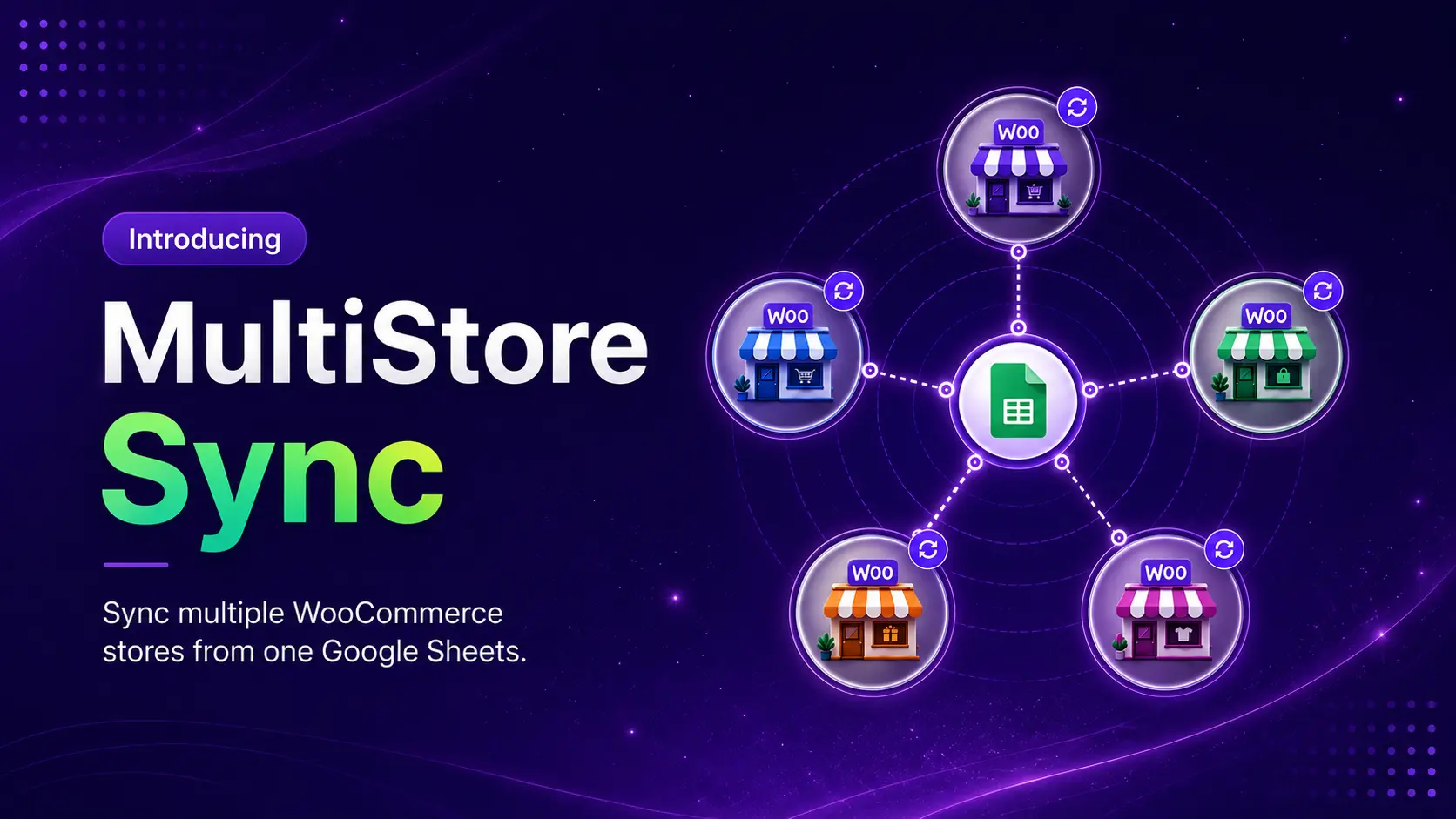
an Image showing multiple store connected to a single Google Sheets. With a heading "Introducing MultiStore Sync"

If you run more than one WooCommerce store, you already know the problem. You update a product on Store A. Then you log into Store B and do it again. Then Store C. Miss one, and your stock numbers stop matching reality. In short: to manage multiple WooCommerce stores without repeating the same work everywhere, you need one central place to make changes once and push them out to every connected store. FlexStock's Multi-Store Sync add-on does this using a...

Read More

Best WooCommerce Referral Plugin for 2026 (Free + Paid Options Compared) 

A promotional banner for a digital product with a purple grid background and a warm yellow glow at the bottom. The main headline on the left reads "Best WooCommerce Referral Plugin" in bold white and yellow text, with the subtext "Refer a Friend, Get a Reward!" below it. On the right, a cartoon speech bubble displays the "Woo" logo above two illustrated user avatars connected by a dotted line with floating gold coins. Next to the avatars is a white user interface card titled "Refer & get rewarded" that displays a sample purple referral coupon code "OY8J7J6L" alongside "Copy" and "Share" buttons.

Word-of-mouth remains one of the highest-converting marketing channels for eCommerce. A referral program puts that channel on autopilot: your existing customers do the promoting, and you reward them for every new buyer they send your way. According to Nielsen's Global Trust in Advertising Survey, 92% of consumers trust recommendations from friends and family over any other form of advertising. A Harvard Business Review study found that referred customers have an 18% higher retention rate and generate 25% more profit over...

Read More

How to Embed Video Conferencing in a WordPress Website

SaaS-style featured image showing how to embed video conferencing in a website using FlexMeeting

Adding video conferencing directly to your WordPress website removes the need to send participants to a third-party platform. Whether you are running online classes, client consultations, team meetings, or webinars, embedding the video call on your own site keeps visitors in your environment and gives you full control over the experience. This guide shows you exactly how to embed video conferencing in a website using FlexMeeting, a WordPress conference plugin by WPPOOL built on Jitsi Meet. You will have a...

Read More

How to Create a WordPress Staff Directory from Google Sheets (2 Methods)

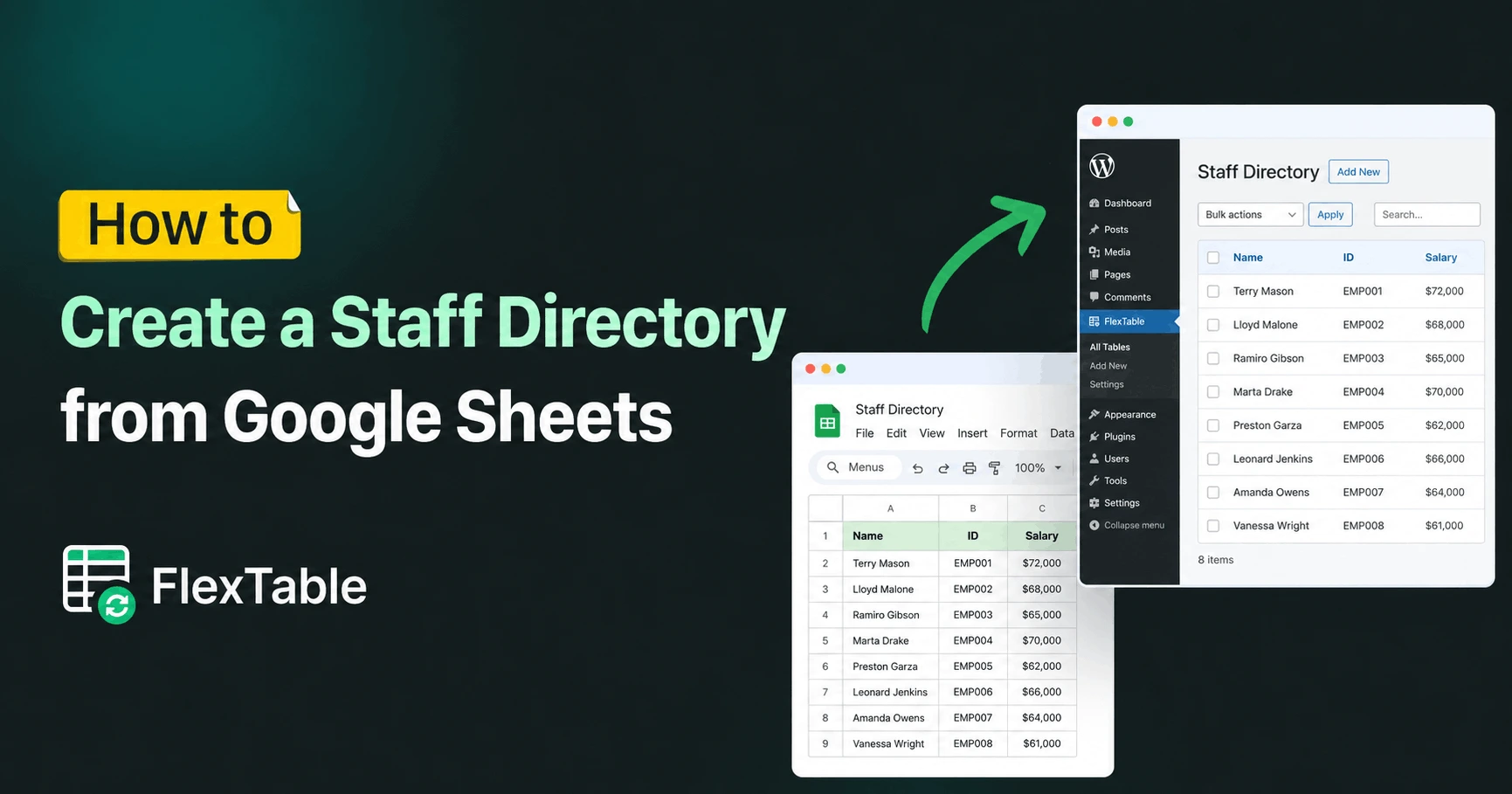
How to Create a WordPress Staff Directory from Google Sheets

Managing a staff directory on WordPress usually means updating a page manually every time someone joins, leaves, or changes roles. Connecting your directory to Google Sheets removes that problem entirely. Update the sheet, and your WordPress employee directory updates automatically. This guide shows you two ways to build a WordPress staff directory from Google Sheets using FlexTable, a WordPress plugin by WPPOOL that syncs Google Sheets data directly into responsive tables on your site. What Is a WordPress Staff Directory?...

Read More

How to Enable Dark Mode in the WordPress Admin Panel (5 Easy Steps)

How to enable dark mode on WordPress Admin Dashboard

If you spend more than an hour a day inside wp-admin, you've probably wished it came in black. The default dashboard is bright white, the contrast is harsh under office lighting, and by the third hour of editing posts, your eyes are doing more work than they should. The fastest way to enable dark mode in the WordPress admin panel is by using WP Dark Mode. In a few clicks, you can turn your dashboard dark without changing your theme...

Read More

Subscribe to get product updates

Get exclusive updates on discounts, product updates, WordPress news & tips

WPPOOL Subscription form