What is WooCommerce Order Notes (Public vs Private)
WooCommerce order notes are messages attached to an order that help store owners, support teams, and customers track important updates during the order lifecycle.
There are two types of order notes in WooCommerce:
- Public (customer-visible) order notes
- Private (admin-only) order notes
Understanding the difference matters because order notes often become part of your fulfillment workflow, support communication, and internal order tracking.
Public vs Private Order Notes
Public order notes
These are notes the customer can see, usually in their order details or through email notifications.
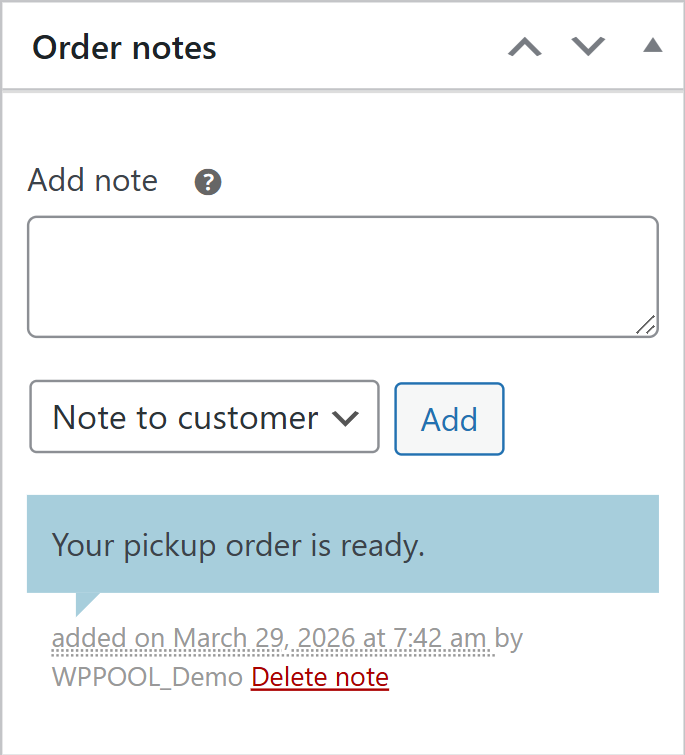
Examples:
- Your order has been shipped.
- Your pickup order is ready.
- Tracking number has been added.
These are best for status updates or customer communication.
Private order notes
These are notes only visible to store admins, support agents, or fulfillment staff.
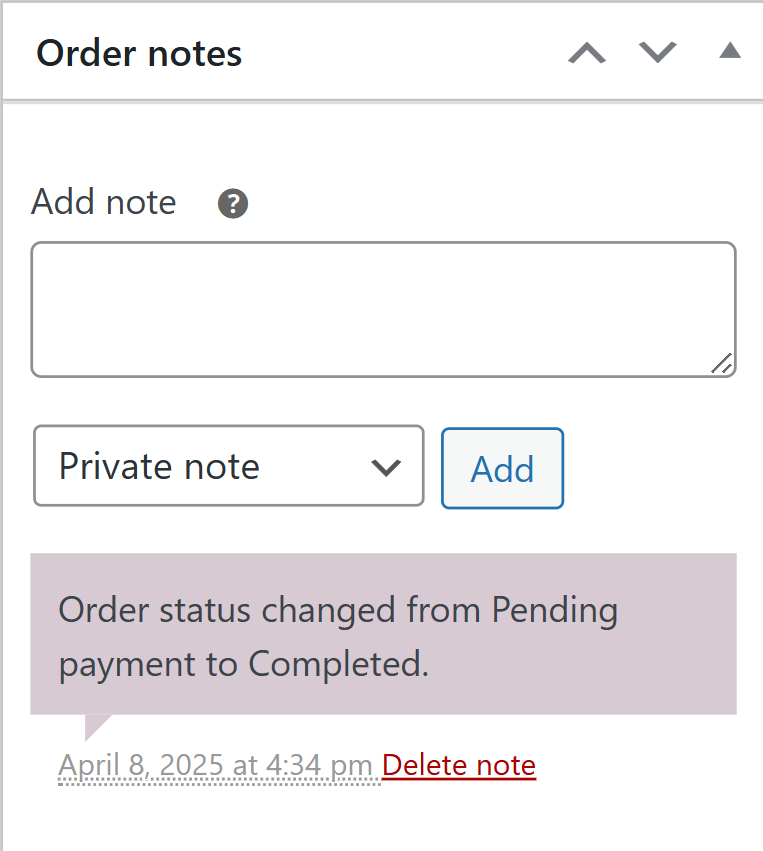
Examples:
- Customer requested gift wrapping via phone.
- Verify address before shipping.
- Supplier confirmed item will arrive tomorrow.
These are best for internal instructions, operational context, or team handoffs.
Where This Becomes Important in Real Operations
When you’re handling a high volume of orders, order notes can quickly become operationally important.
For example, if your team adds private notes like “Ready for pickup after 5 PM” or “Courier delayed” across dozens of orders, checking them one by one inside WooCommerce becomes slower.
In workflows like that, many stores prefer seeing key order details in a more structured view. That’s where a tool like FlexOrder can quietly support the process by syncing order notes, along with statuses and other order details, into Google Sheets so teams can review and manage order context more efficiently without constantly switching screens.
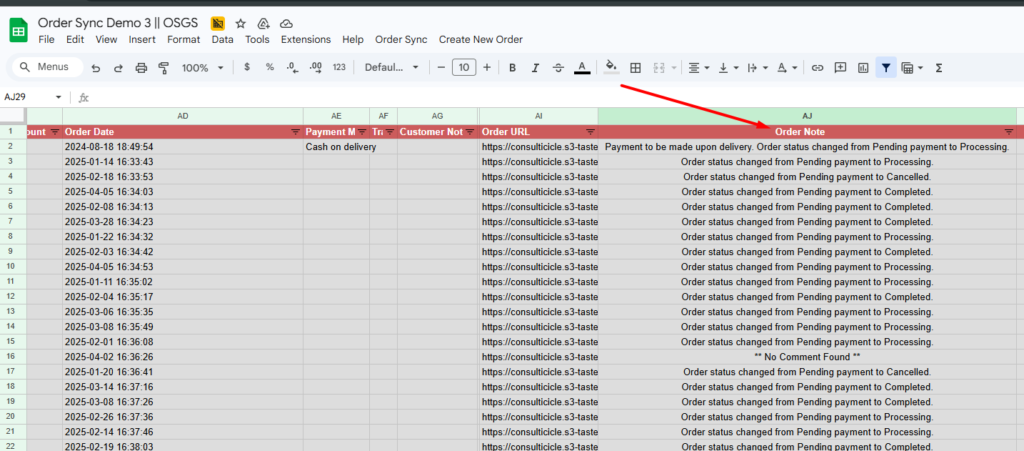
FlexOrder’s Ultimate version includes order notes sync (private and public) in separate spreadsheet columns, alongside two-way order management and bulk update