









Table of Contents
Go to your dashboard and click on the menu item ‘Jitsi Meet Pro’> Meetings then create ‘add new’ meeting and open the page and go to the meeting setting and turn on the switch like
- “Enable Livestream” – (Mandatory for streaming)
- “Enable Recording” – (Optional)
- “Enable Transcription” – (Optional)
- “Simulcast” here – (Optional)
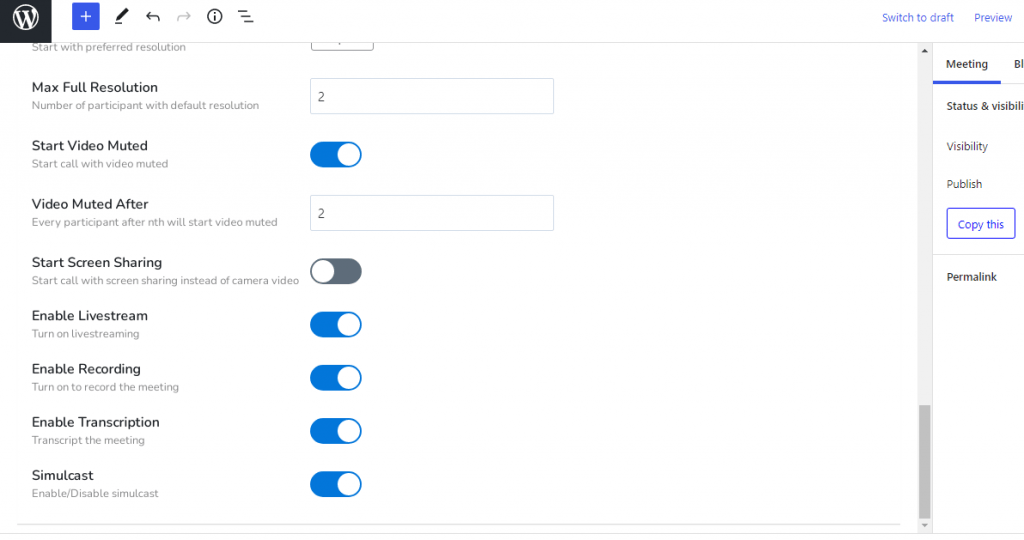
Click on the ‘Publish’ button and view the meeting page.
Then go to the page where you want to play a live stream like YouTube. Go to your YouTube account and create & set up a live streaming setting and go to live. like

Then set stream information.
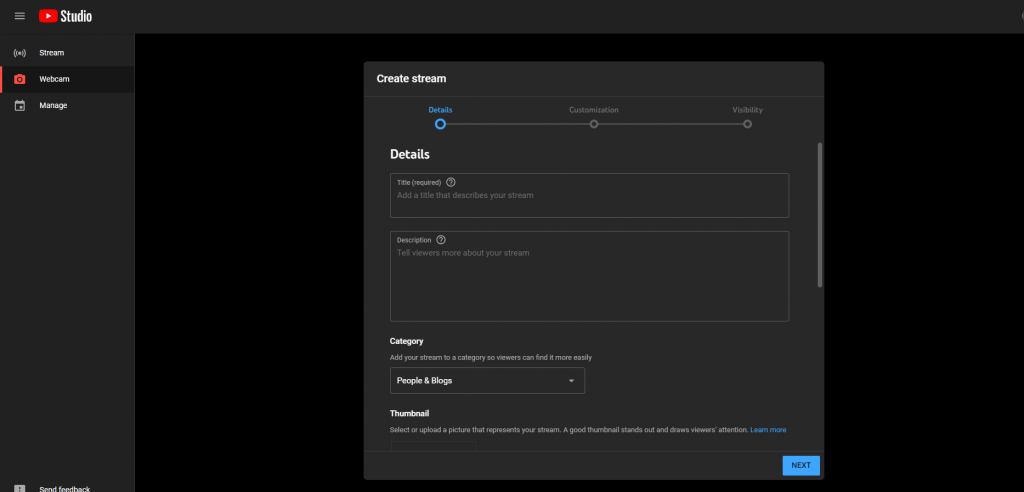
Then go live
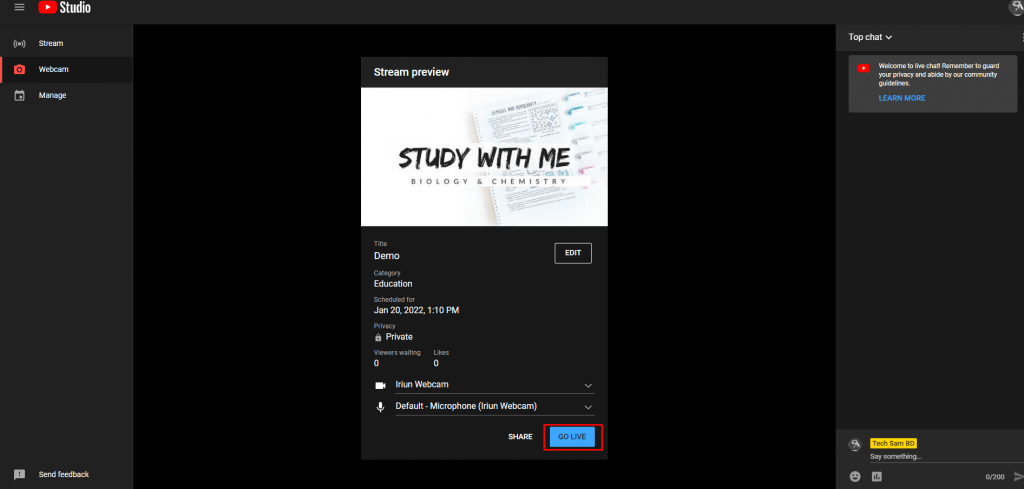
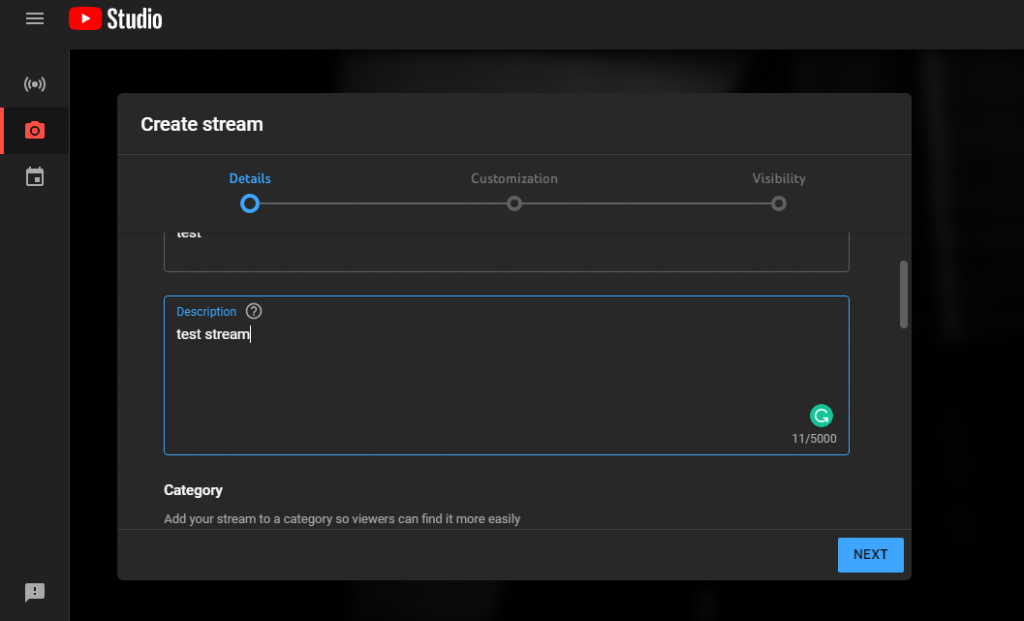
Then back to our own streaming panel and from options
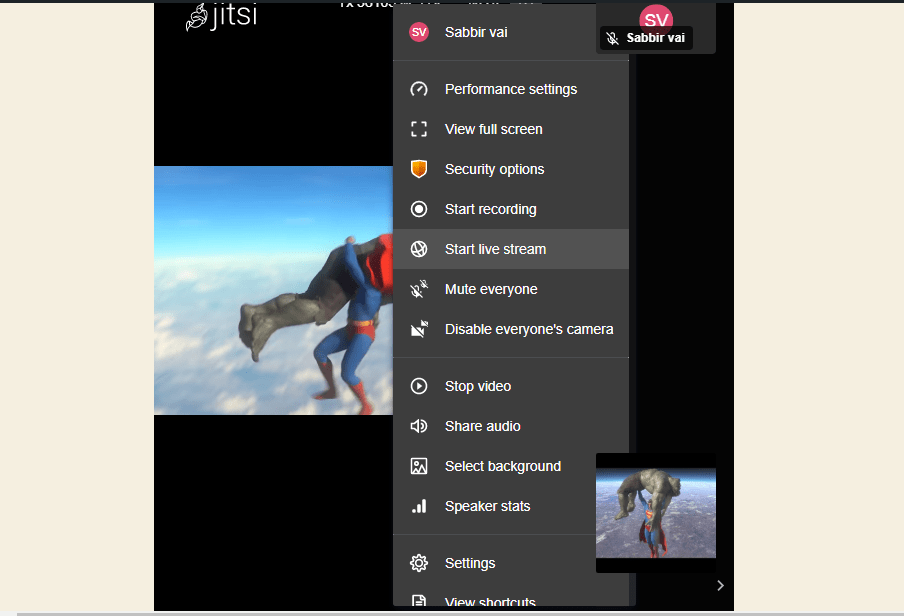
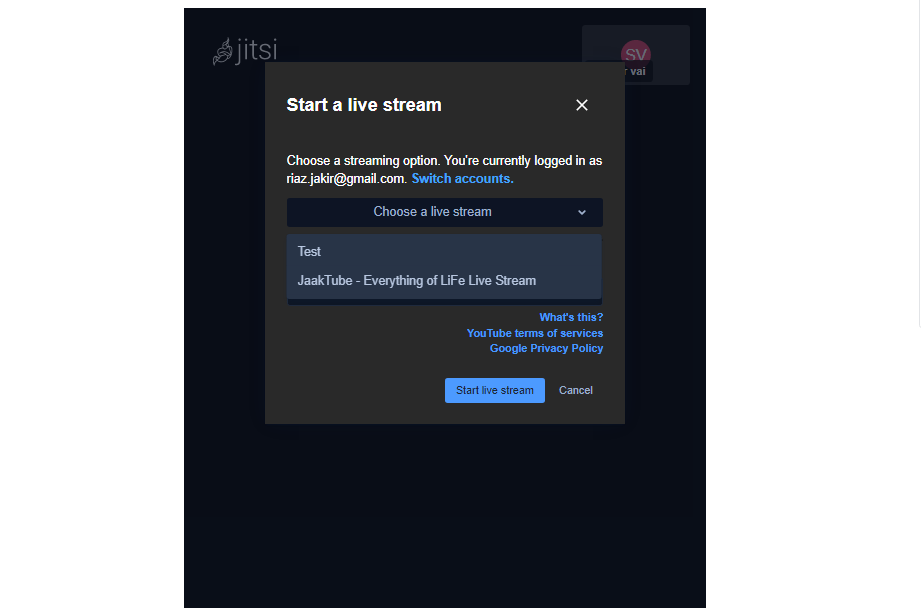
And the go-to again option and select ‘Start live stream’ choose a steam option and put the key and hit the ‘start live stream. And watch the steaming from YouTube. That’s it. Like
Choose a live steaming by title. Like


Add your first comment to this post